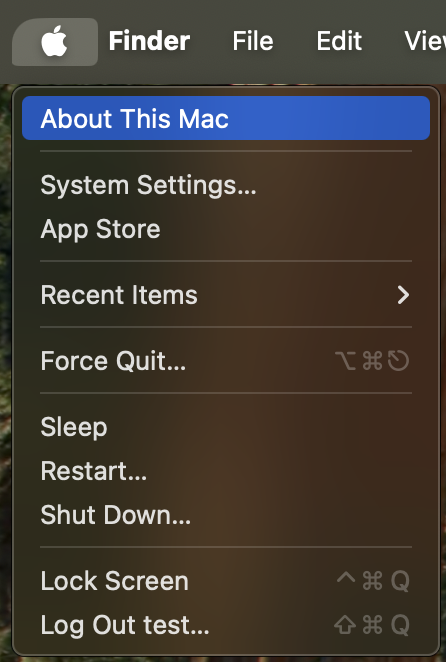
From the Apple menu in the upper-left corner of your screen, choose About This Mac.
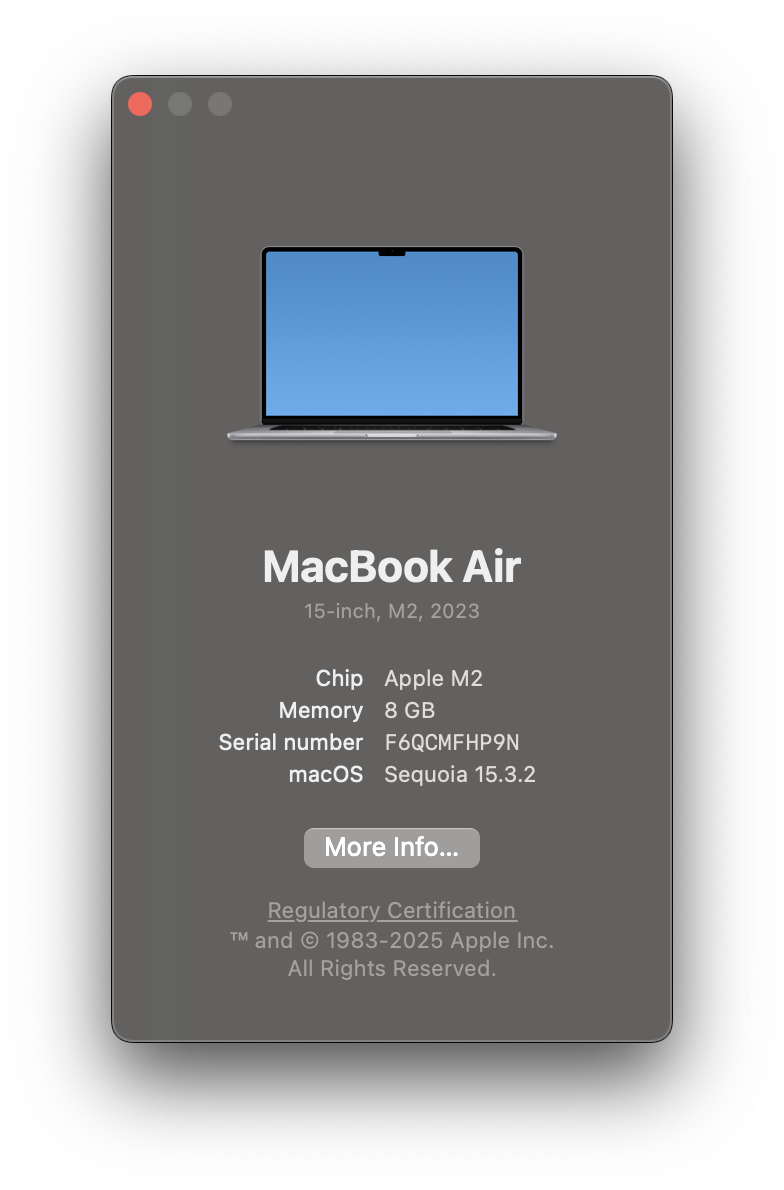
The window that opens might look different from the example shown here, but it always includes the macOS name followed by its version number. If you need to know the build number as well, click the version number to see it.