Step 1
Login to Canvas (https://canvas.gmu.edu/).
Step 2
From the global navigation menu, select Kaltura MyMedia.
Step 3
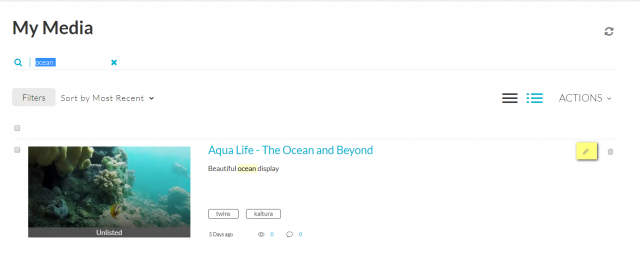
Click on the entry’s Edit icon.
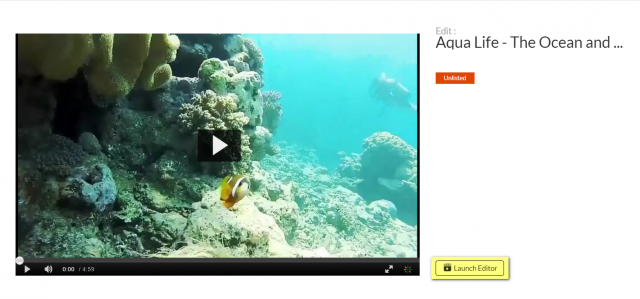
Click Launch Editor.
OR
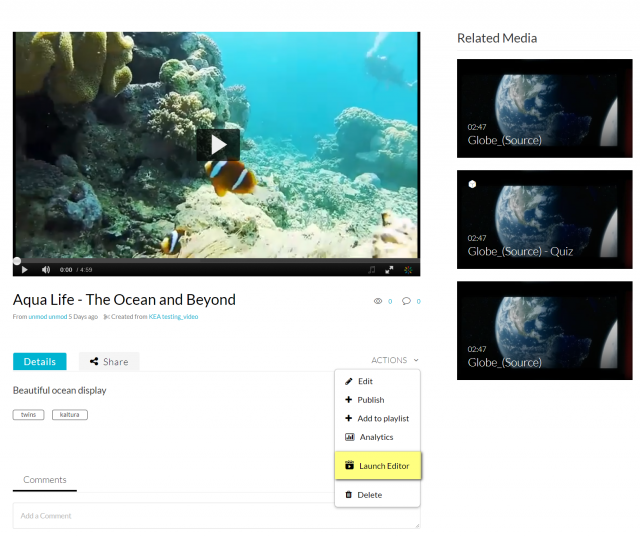
Click on the video thumbnail and then select Launch Editor from the Actions drop-down menu.
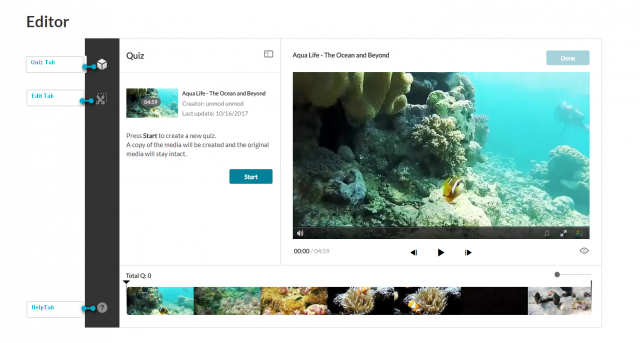
The Kaltura Editor window will now be displayed. The Kaltura Editor contains two navigation tabs:
- Quiz Tab: Creating and Editing Interactive Video Quizzes
- Edit Tab: Video Editor
Depending on the type of media you selected, the Kaltura Editor will open the relevant tab.