|
The MASON-SECURE Wi-Fi network has been permanently shut down. To ensure uninterrupted connectivity, all campus Wi-Fi users should switch to eduroam. For details, see MASON-SECURE Retirement FAQs. |
Note: Your wireless device must support 802.1x authentication to access the eduroam network.
If you have a device that does not support 802.1x, see Device Registration for Network Access.
If you’re looking for more eduroam resources including information about the federation, locating services, and automatic configuration tools, visit eduroam.org.
ClearPass authentication certificates are renewed annually. For details see How to Accept a New ClearPass Authentication Certificate.
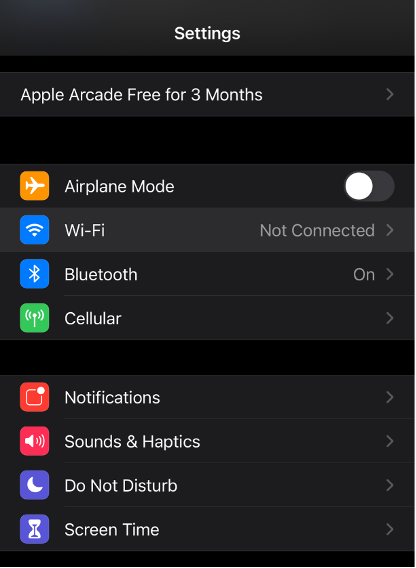
Open Settings, then Wi-Fi.

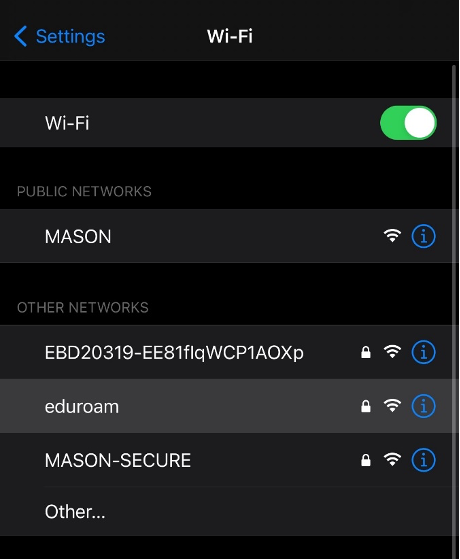
Select eduroam from the list of available networks.
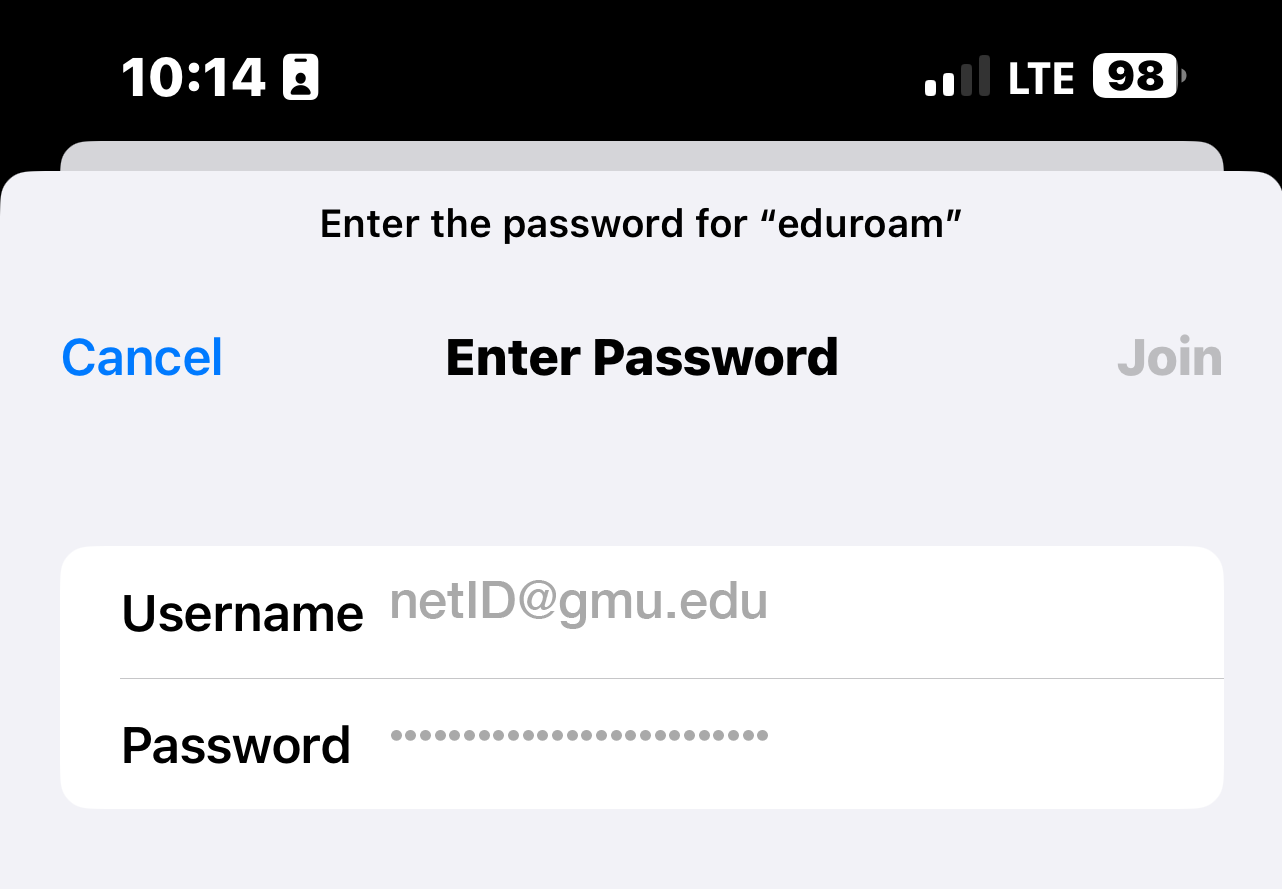
When prompted, enter your Mason Email ([email protected]) and Patriot Pass Password.
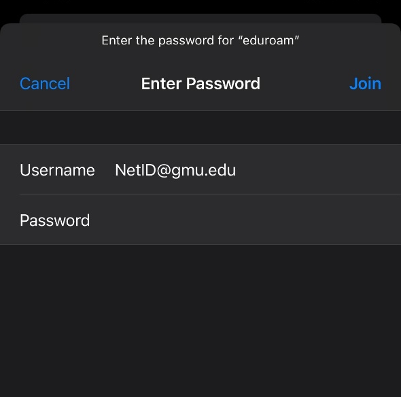
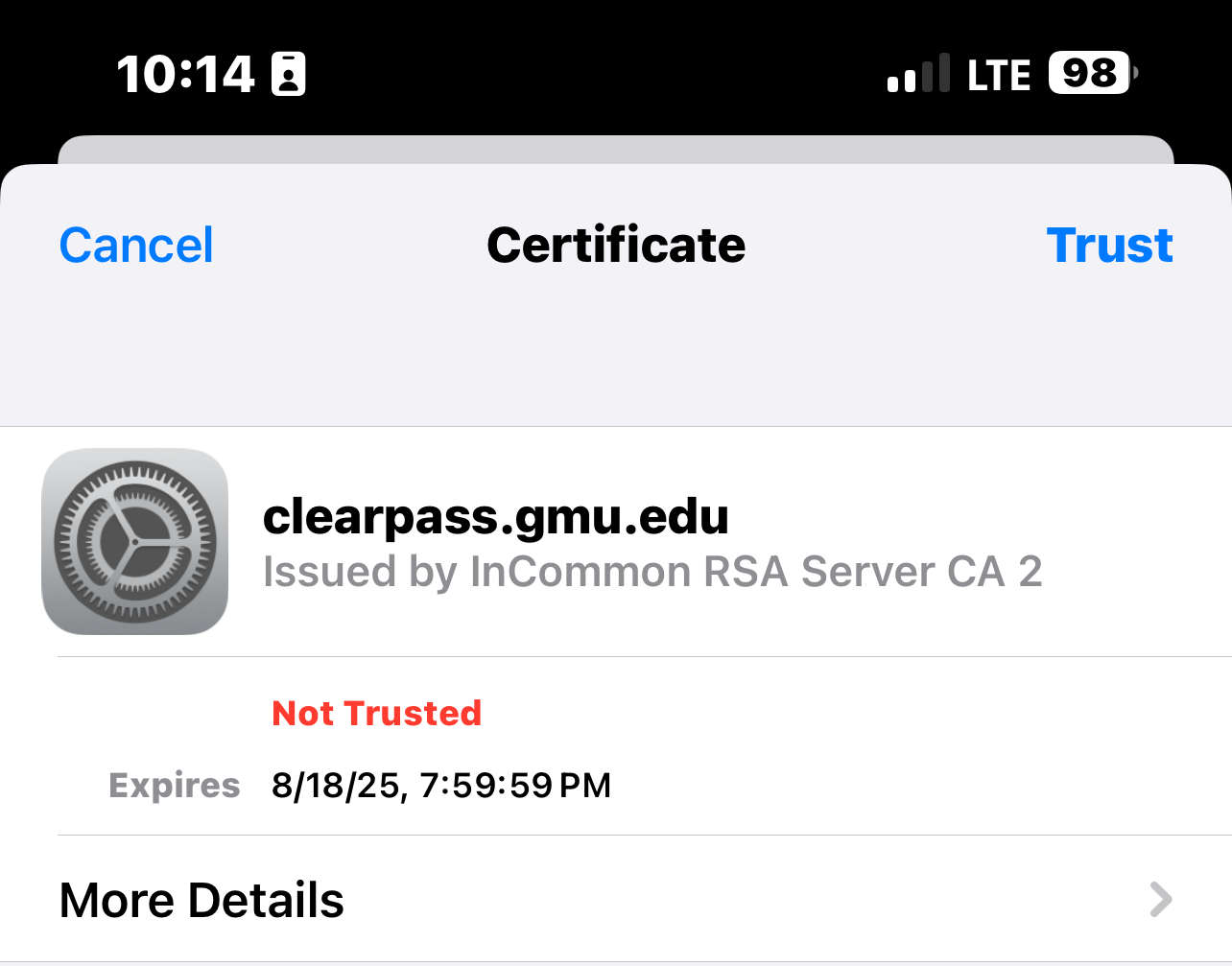
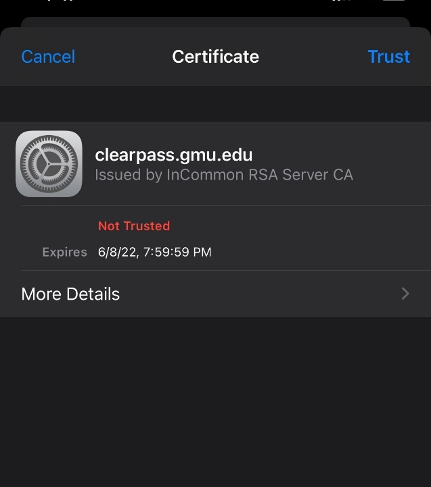
When prompted, select Trust in the upper-right corner.
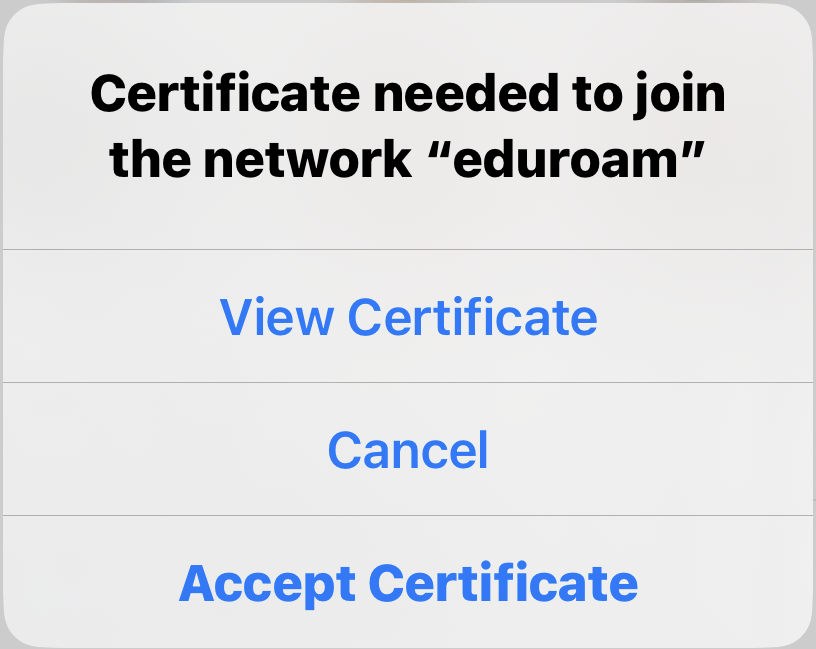
You may be prompted to View Certificate or Accept Certificate. If you Accept Certificate, you will be prompted to log in (step 3).
Click on Trust.

Enter your Username ([email protected]) and Patriot Pass Password then click Join.