
Zoom regularly provides new versions of the Zoom desktop client and mobile app to release new features and fix bugs. ITS recommends upgrading to the latest version once it is available. You can also check which version you’re currently running.
More information can be found on the George Mason Zoom FAQ page
Check For Updates
To see if there is an update available for your Zoom application
- Sign in to your Zoom app via SSO
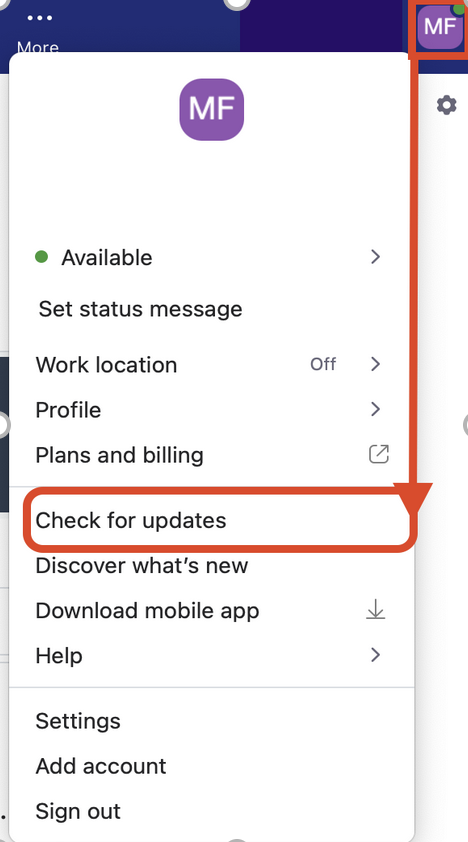
- Once signed in, click your profile picture, then navigate to Check for Updates
- If there is a newer version, Zoom will download and install it
Troubleshooting
Auto Update Disabled
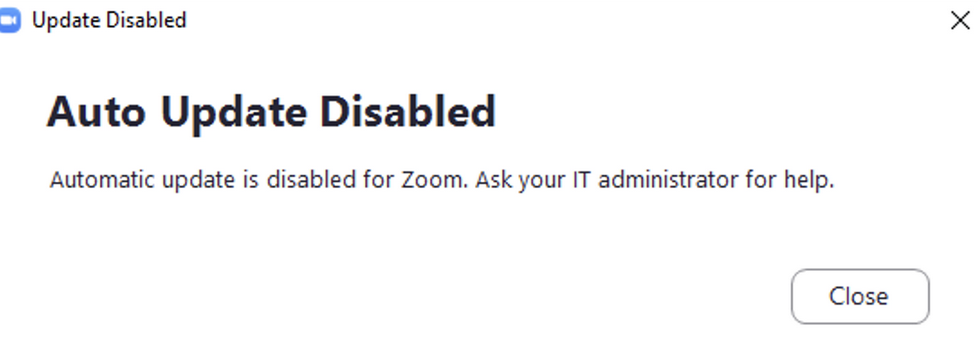
If you receive a message stating “Auto-Update Disabled”, you are likely using an ITS-managed computer.
- Connect to the VPN (Cisco Secure Client)
- Windows: Open Software Center on your computer
Macs: Open Self-Service on your computer - Install the latest version of Zoom application from Software Center or Self-Service
See How to Install Software via the Software Center or contact the ITS Support Center for more information or further support.
Please contact your IT team to update your app
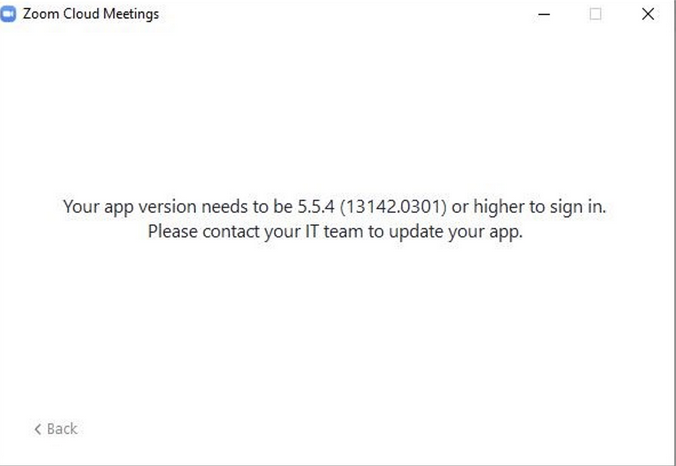
If you receive a message during sign-in that “Your app version needs to be higher to sign in. Please contact your IT team to update your app” try the following:
If you are on an ITS-managed computer: Follow the directions from “auto-update disabled” above
If you are on a personal or non-ITS managed device: Download and install the latest version of the Zoom application from the Zoom website.
If this does not correctly install the Zoom application and you receive the same error again
- Uninstall Zoom
- Once completed, download the latest Zoom app from the Download Center and reinstall.
Please Update to continue
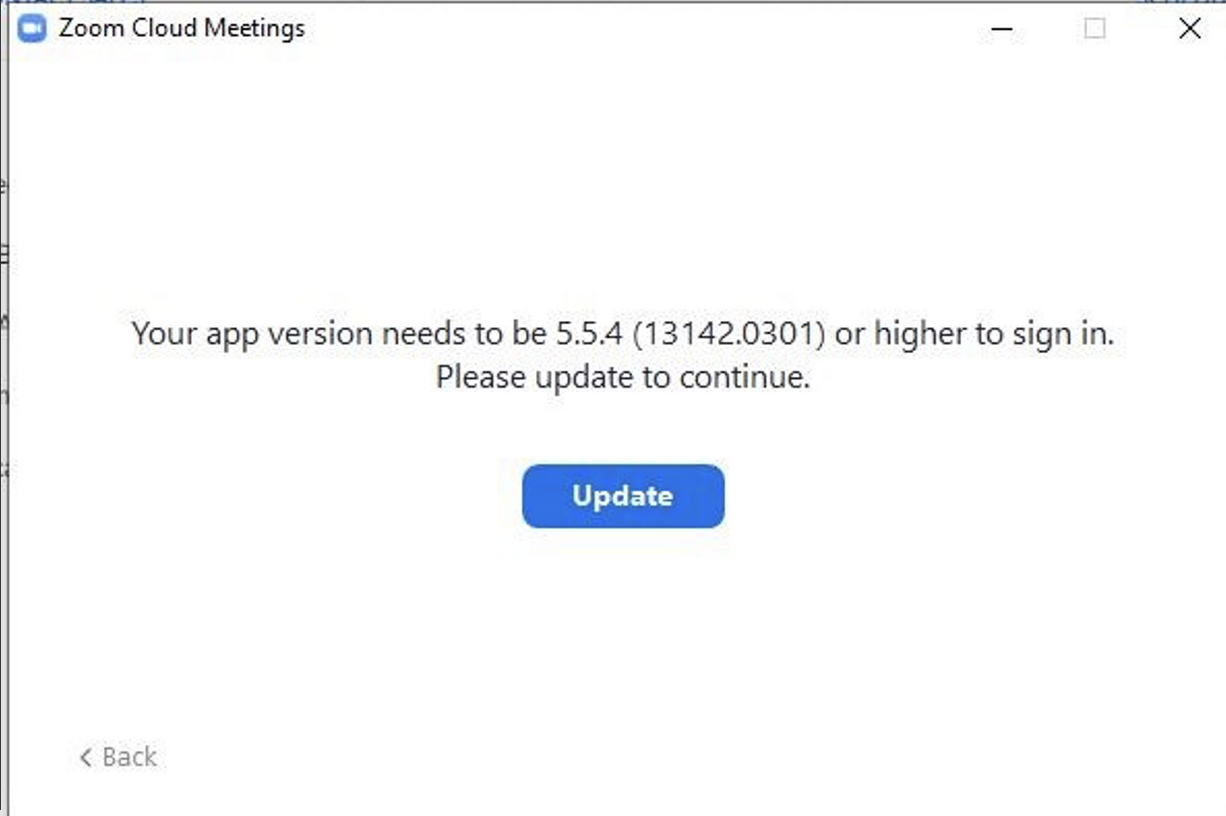
If you receive a message that “Your app version needs to be higher. Please Update to Continue,” click Update to install the latest version of Zoom.
For advanced users and/or workstation administrator accounts, you may also run CleanZoom.exe from Zoom’s website. Then install the latest version of the Zoom application from zoom.us/download.