Step 1
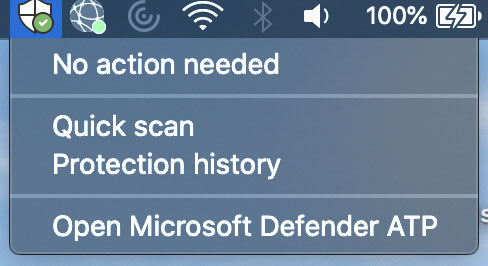
Click the shield in the top menu and click Open Microsoft Defender ATP.
Step 2
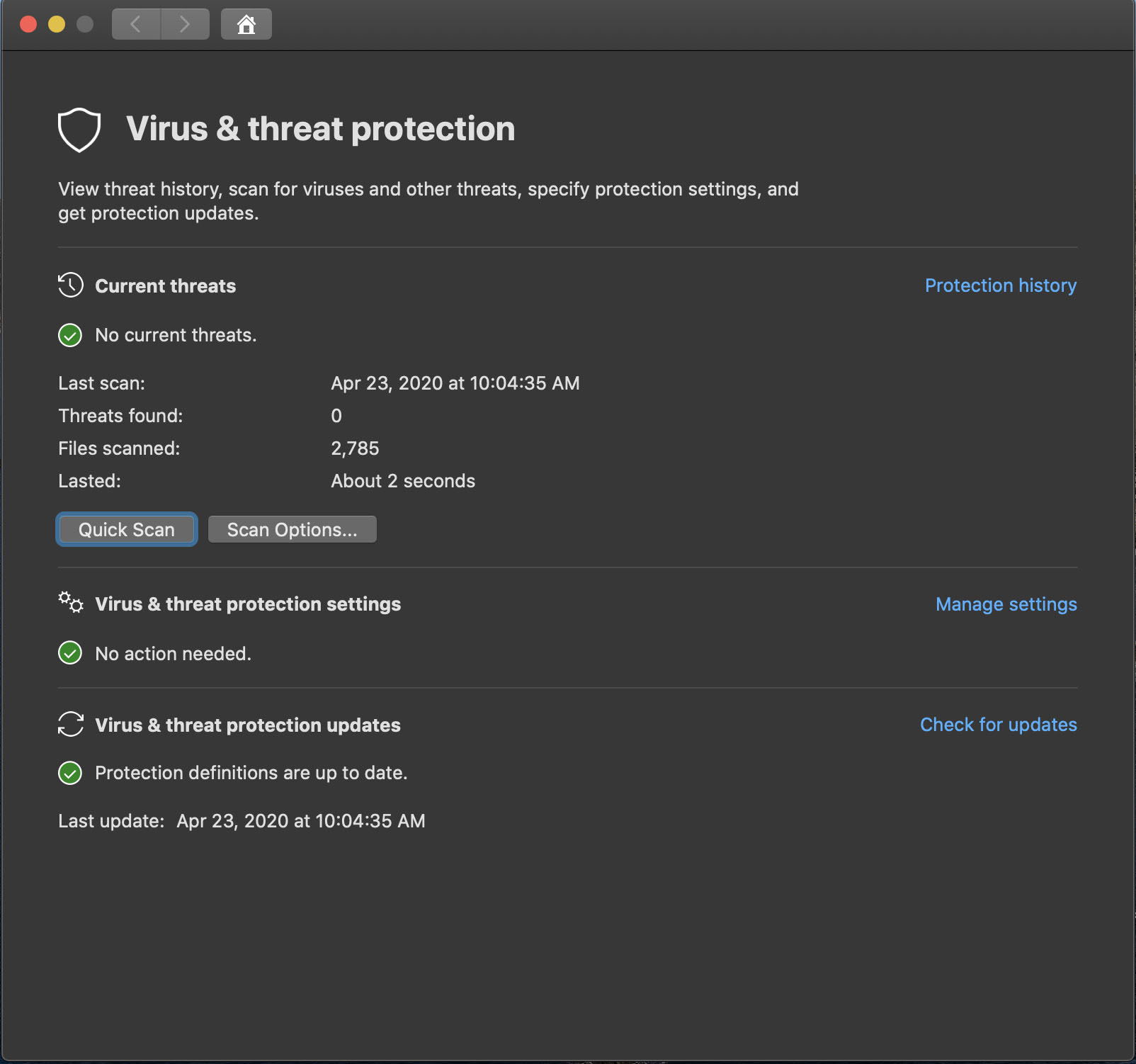
The Microsoft Defender ATP application will open.
Step 3
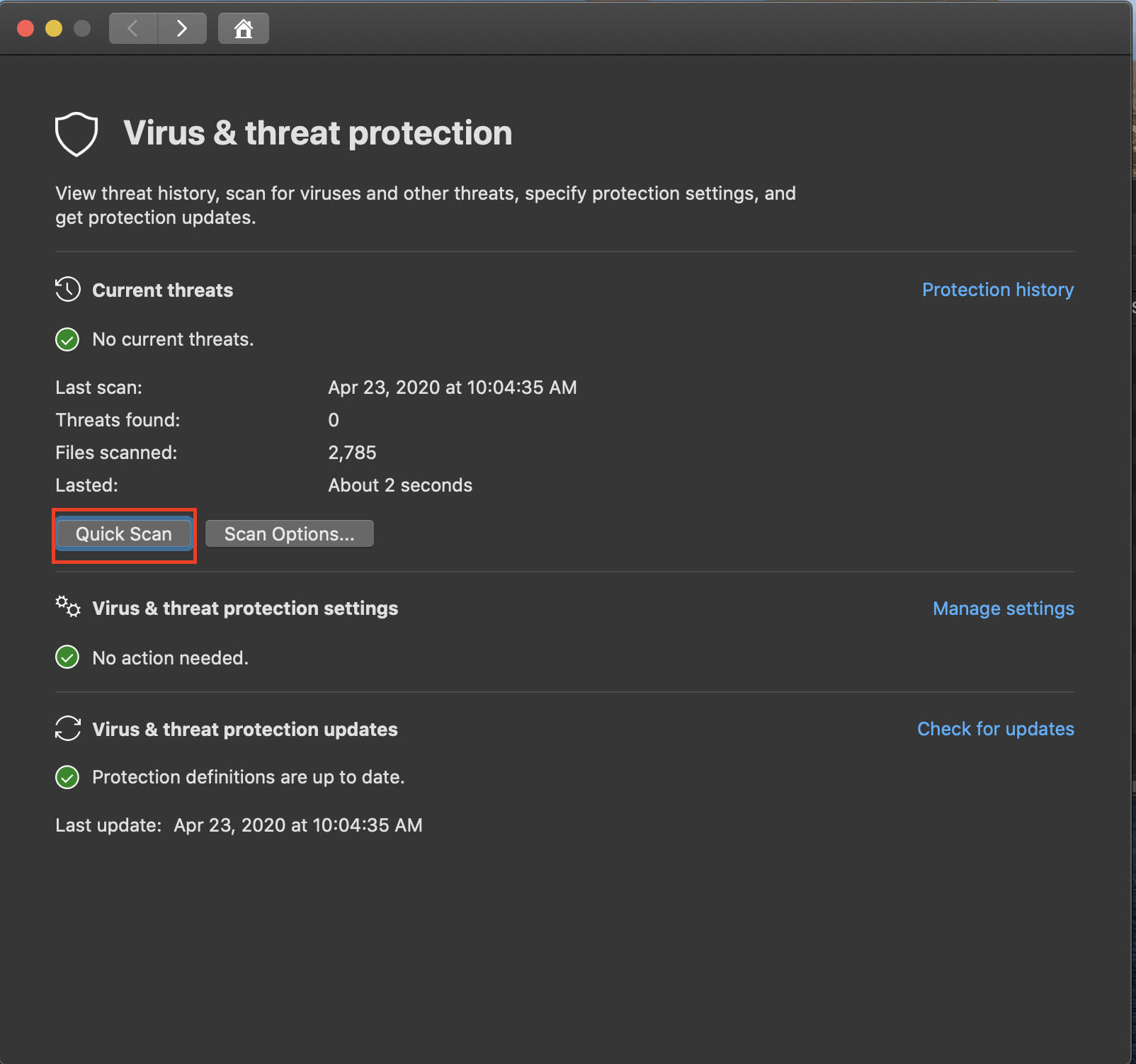
Click the Quick Scan button to initiate a quick scan.
Step 4
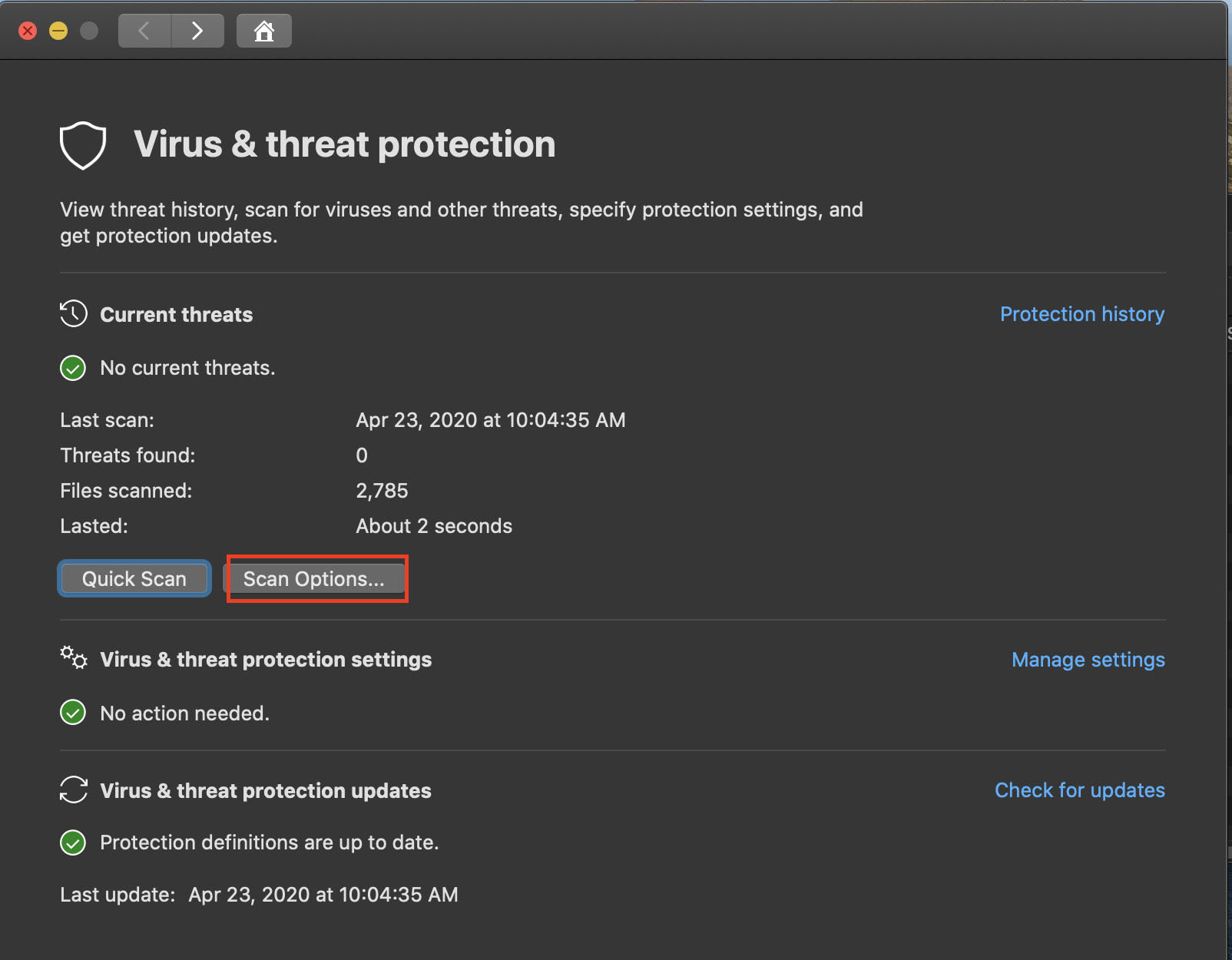
To conduct a full scan, click the Scan options button.