
Step 1
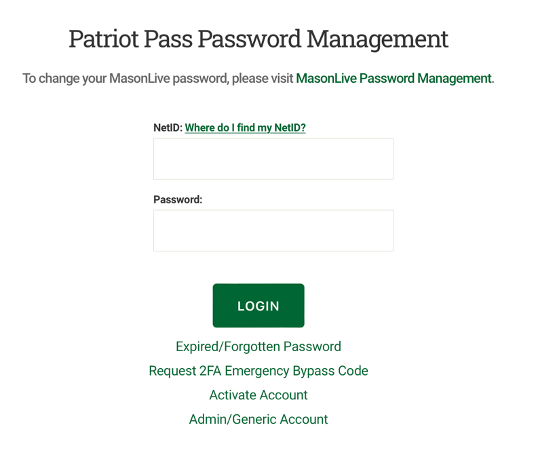
Go to password.gmu.edu
Step 2
Select Where do I find my NetID? link to the right of “NetID.”
Step 3
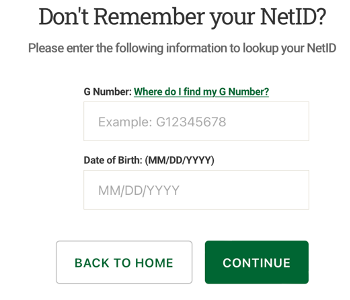
Enter your G Number and date of birth to retrieve your NetID. Click Continue.
Go to password.gmu.edu
Select Where do I find my NetID? link to the right of “NetID.”
Enter your G Number and date of birth to retrieve your NetID. Click Continue.