
Sometimes you may want to share a Kaltura video outside of Canvas—for example, in an email, on a website, or with someone who doesn’t have access to your course. You can do this by creating a public link to your video or embedding the video on a webpage. This allows anyone with the link to view the content, without needing to log in to Canvas.
Step 1
Go to coursemedia.gmu.edu (not Canvas).
At the top right, click Login Here.
Click on MyMedia.
Log in.
Step 2
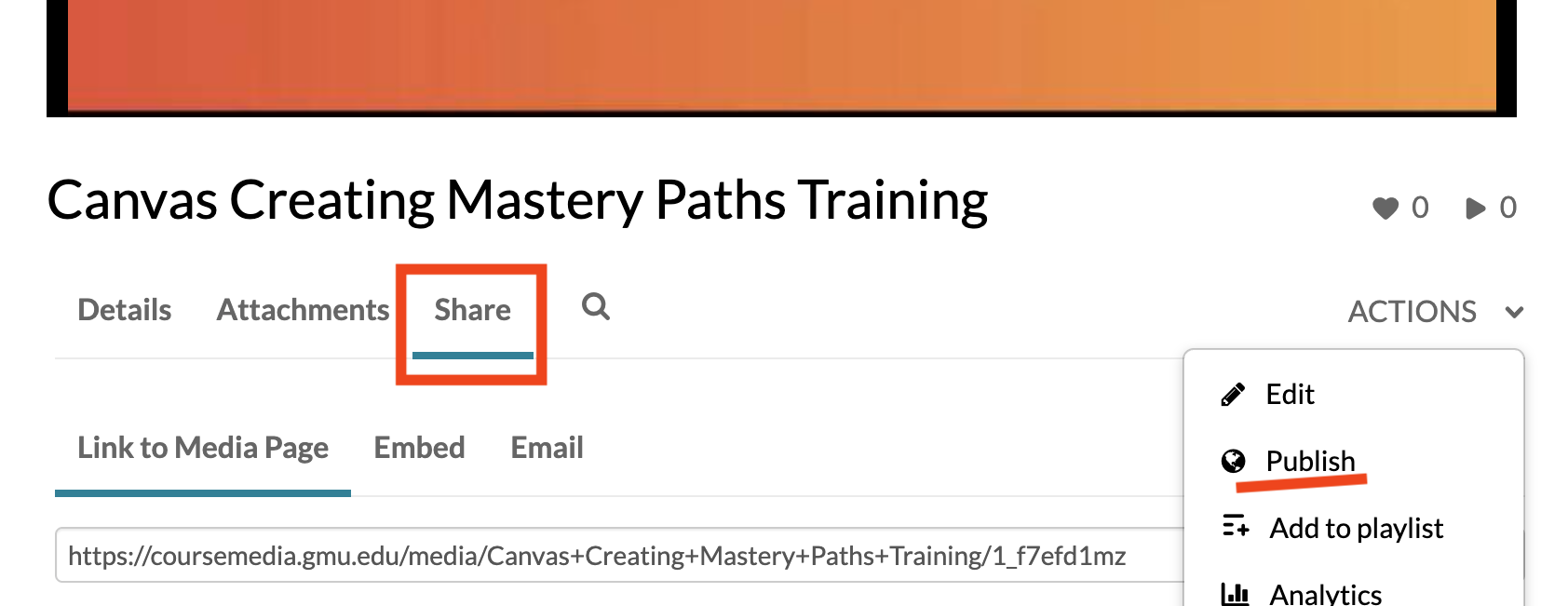
Access the video you want to share. Below the video Choose Actions > Publish.
Step 3
Ensure the video is either Unlisted or Published. Save if needed.
Step 4
Below the video, click Share and copy the link or embed code.
As long as the video is Unlisted, the link will work for anyone (i.e., they do not need to log in). The Embed Code will also work for all users.
Note: Videos shared in Canvas via this method will not capture specific student usage data.