Effective August 20, 2026: The George Mason Zoom web homepage will be updated and will have a new look. Zoom is making this change to provide a unified, intuitive interface to help users access key features faster and manage settings more efficiently.
Below is a snapshot of the biggest changes users will see. For the full details of what is changing, please see https://support.zoom.com/hc/en/article?id=zm_kb&sysparm_article=KB0084872.
Redesigned web home experience
The web signed-in homepage offers a cleaner layout, similar to the desktop app, with quick access to the universal header and options to start, join, or schedule a meeting.
Before

After
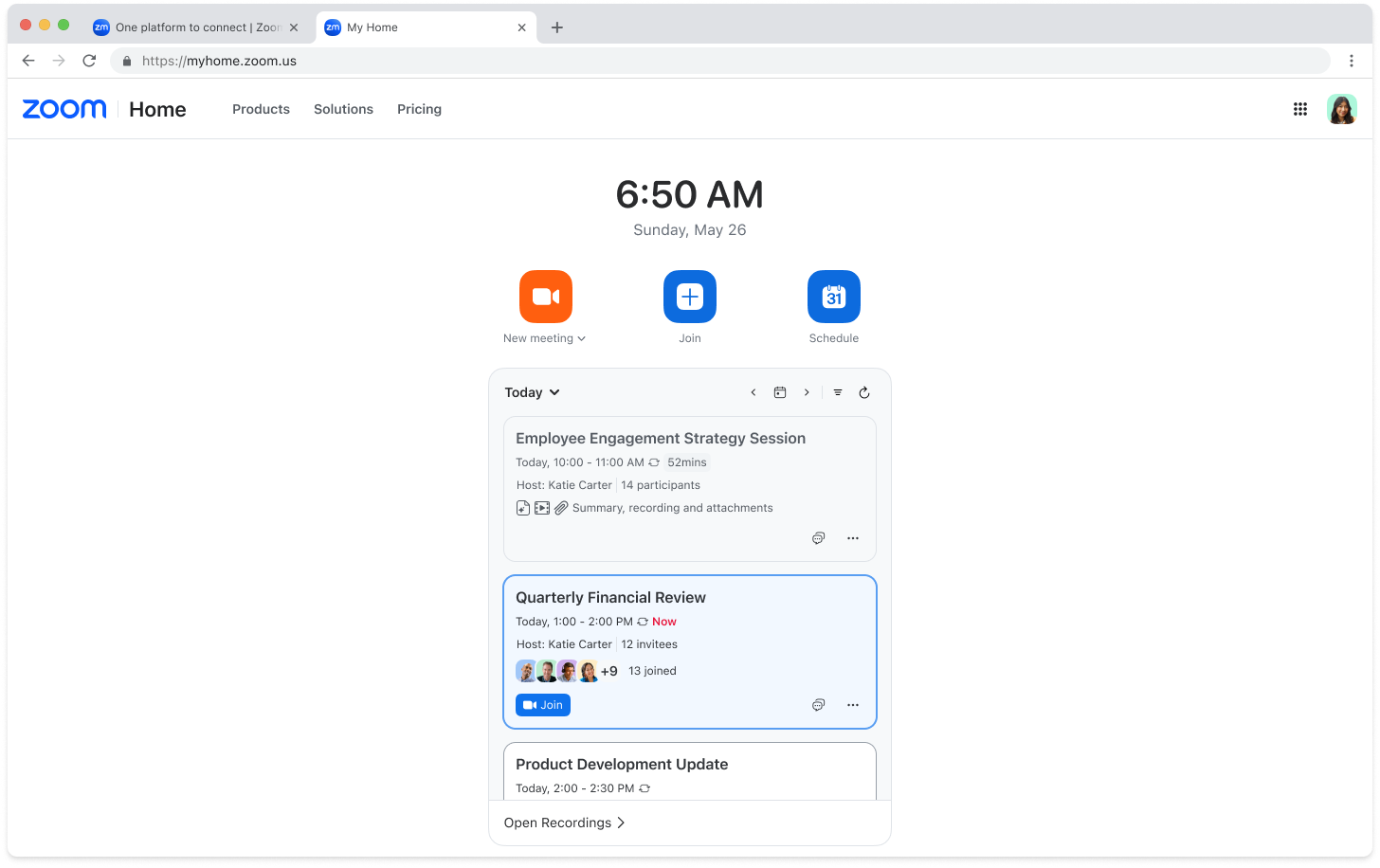
Universal header and simplified navigation
The enhanced header provides universal access to Home, product waffle menu, and profile menu.
Before

After

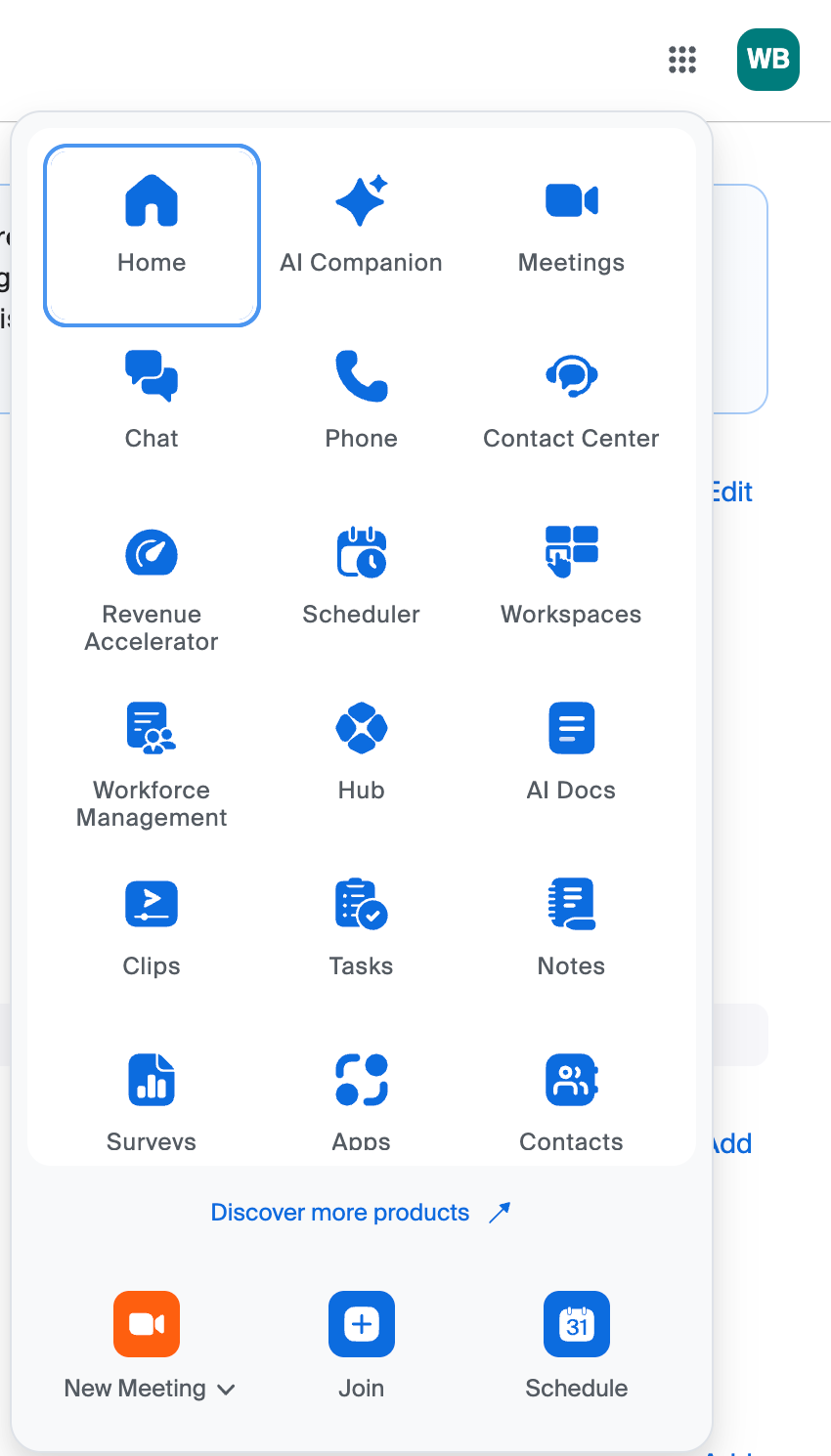
Product waffle menu
Located in the top-right corner of the universal header, the product waffle menu replaces the previous left navigation panel and provides a unified cross-product navigation. It opens each product in a new tab on the web allowing users to configure a product’s settings on its own page. To customize how the products appear, click the product waffle menu, then drag and drop items to reorder them.
Before
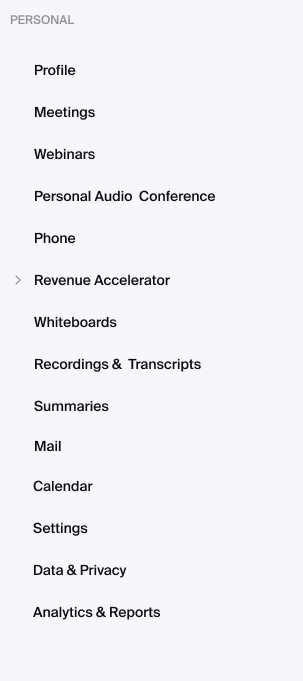
After