
Step 1
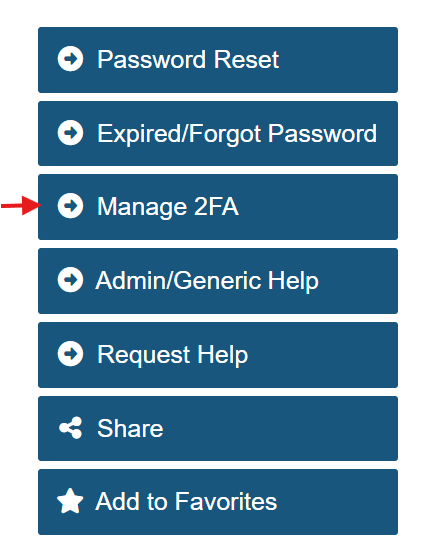
In a web browser, go to 2fa.gmu.edu. Select Manage 2FA from the menu.
Step 2
Log in with your Mason NetID and Patriot Pass Password.
Step 3
Complete the second-factor authentication with your previously enrolled device.
Step 4
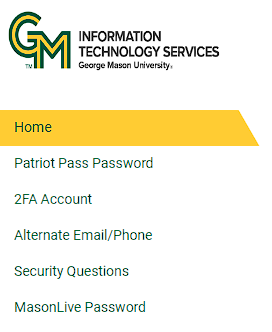
On the Patriot Pass Password home page, click 2FA Account.
Step 5
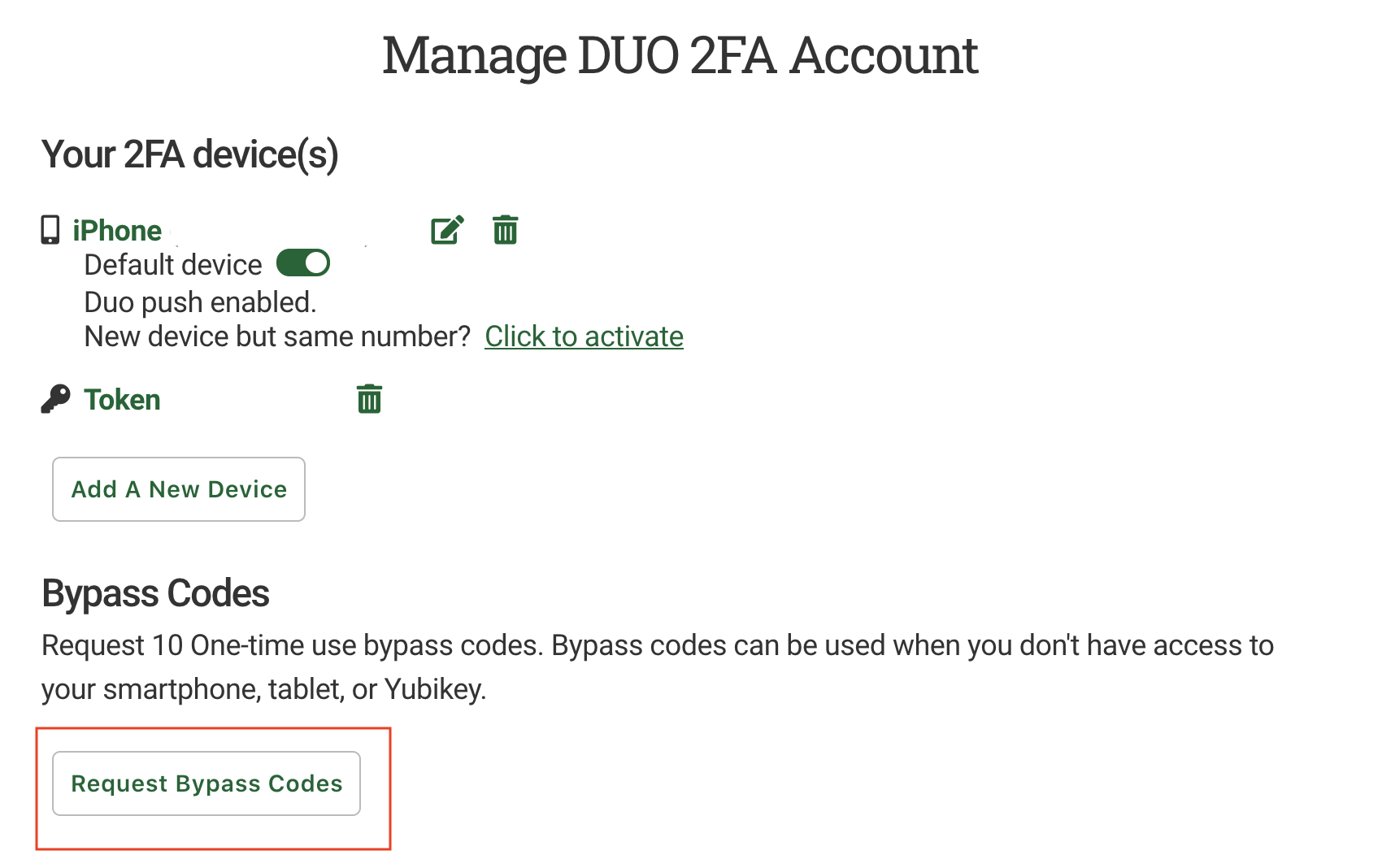
On the Manage Duo 2FA Account page, click Request Bypass Code.
Step 6
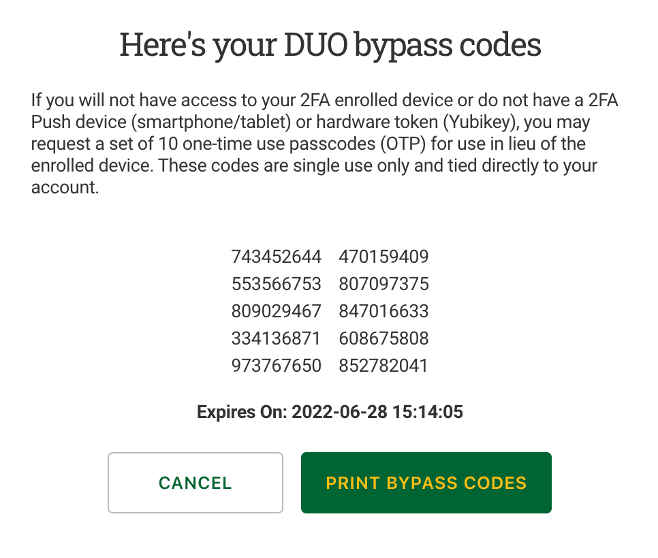
You will then see a set of 10 one-time-use passcodes for use in lieu of the enrolled device.
Note: These codes are single-use only, tied directly to your account, and good for 180 days from time of request.
Step 7
Record or print the information.