
Step 1
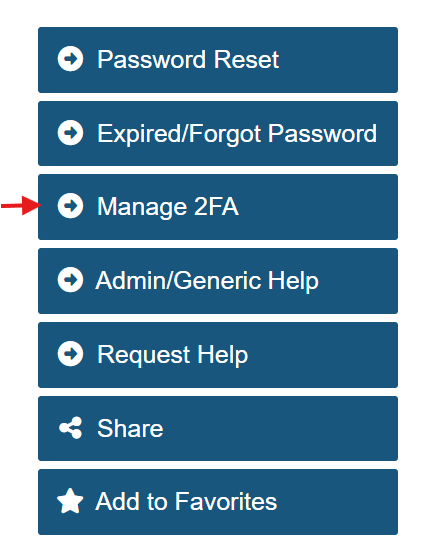
In a web browser, go to 2fa.gmu.edu. Select Manage 2FA from the menu.
Step 2
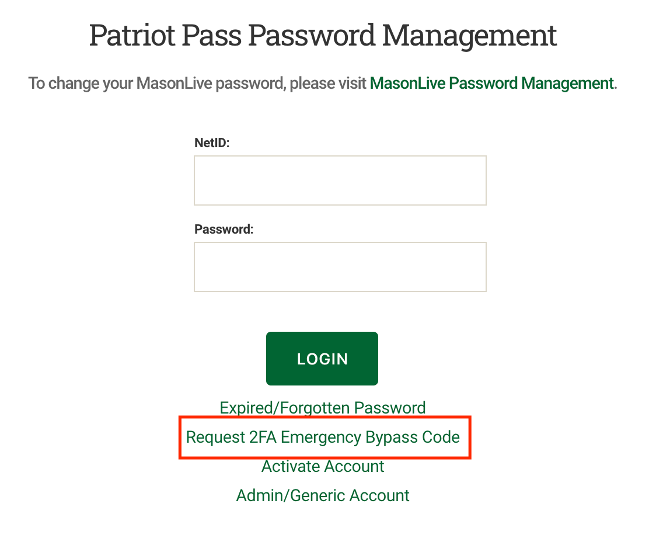
Click Request 2FA Emergency Bypass Code.
Step 3
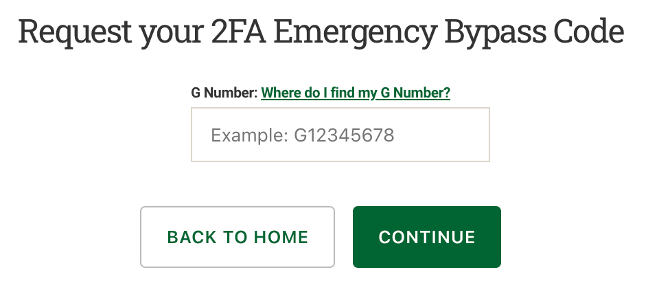
Enter G Number and click CONTINUE.
Step 4
You will get a confirmation page that the bypass code was sent to your alternate email address.
Step 5
Check the alternate email account to access your bypass code.
Note: The code is one-time use and must be used within one hour.