Step 1
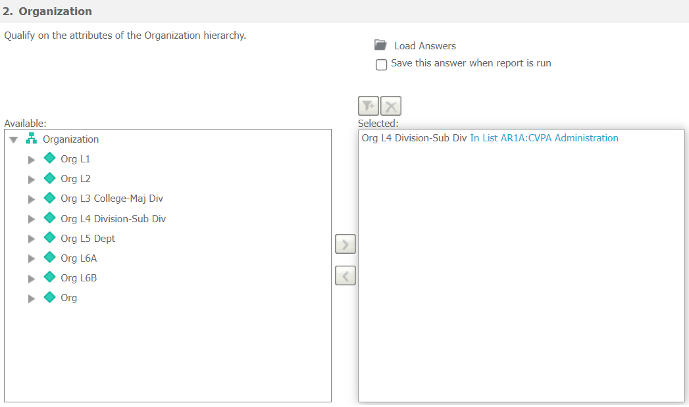
Run any report containing the prompt with your saved prompt answer. Your default personal prompt answer will automatically be selected as your prompt answer.
Step 2
Click the Load Answers folder icon, then click More Options… at the bottom of the pop-up window.

Step 3
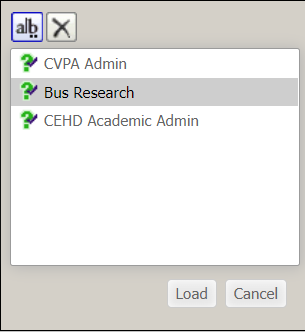
In the next pop-up window, select an answer. Click the a|b button to rename the selected answer or click the X button to delete the selected answer.