
Step 1
On your enrolled smartphone or tablet open the Duo Mobile app.
Step 2
In Duo, you will see George Mason University listed. Tap on show.

Step 3
Once tapped, a 6-digit passcode will appear.
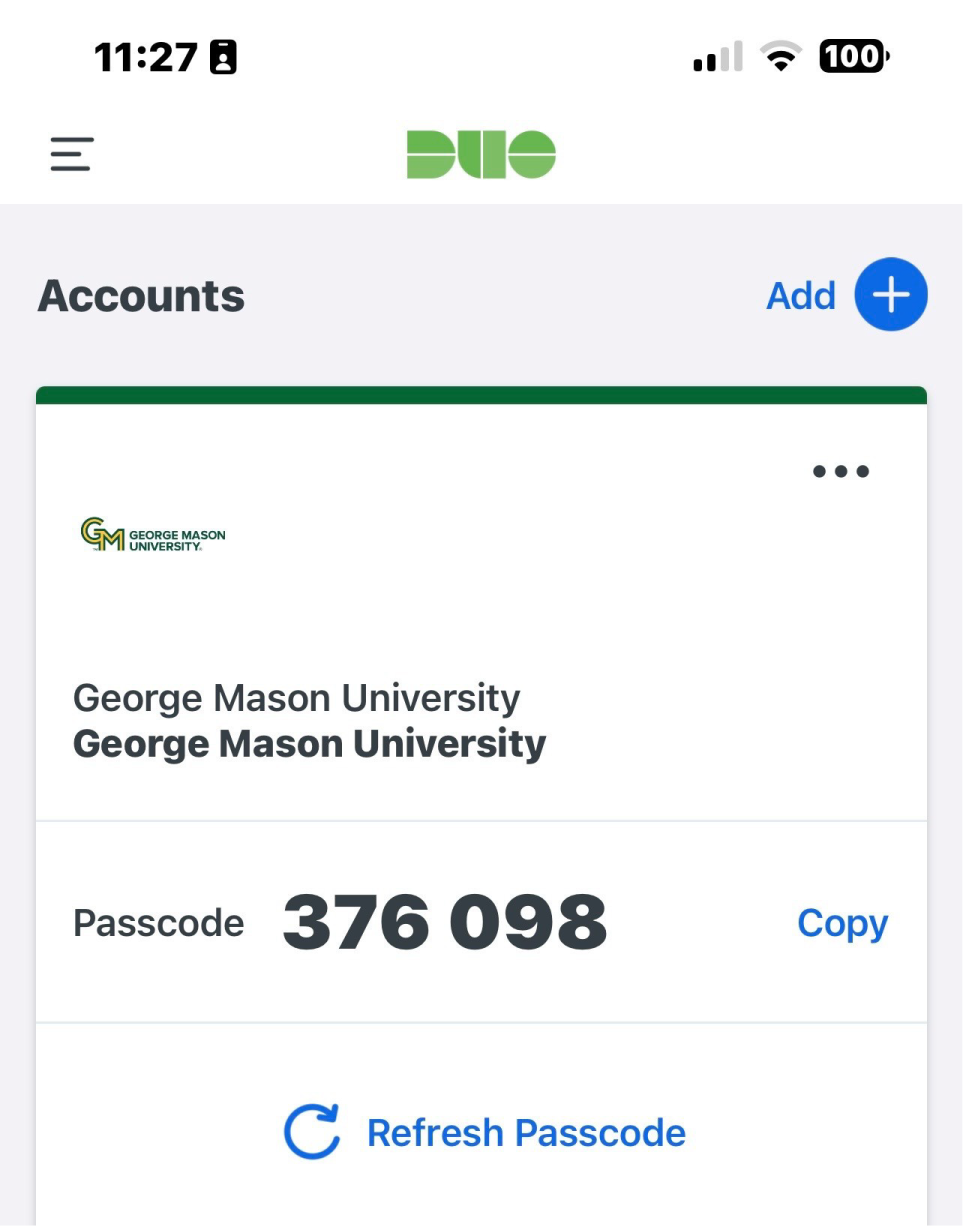
You can generate another passcode at any time as it will only display for a short time. Generating a new password will invalidate any previously generated passcodes.