
Step 1
Log in to your email account using a web browser.
Step 2
Click the Gear icon at the top right of your window
Step 3
Click on View all Outlook settings at the bottom of the Settings pane.
Step 4
Select Mail from the list on the left under Settings.
Step 5
On the left-hand menu click Mail, then Attachments from the left links.
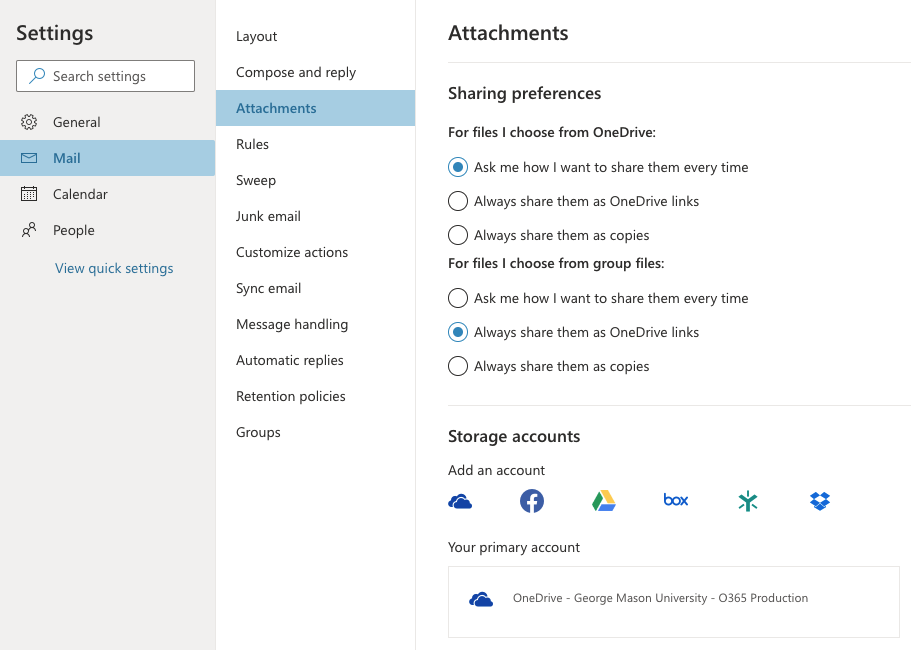
Step 6
Change the settings based on your preference.