
Step 1
Go to the course Media Gallery.
Step 2
Click the link Browse Pending.

Step 3
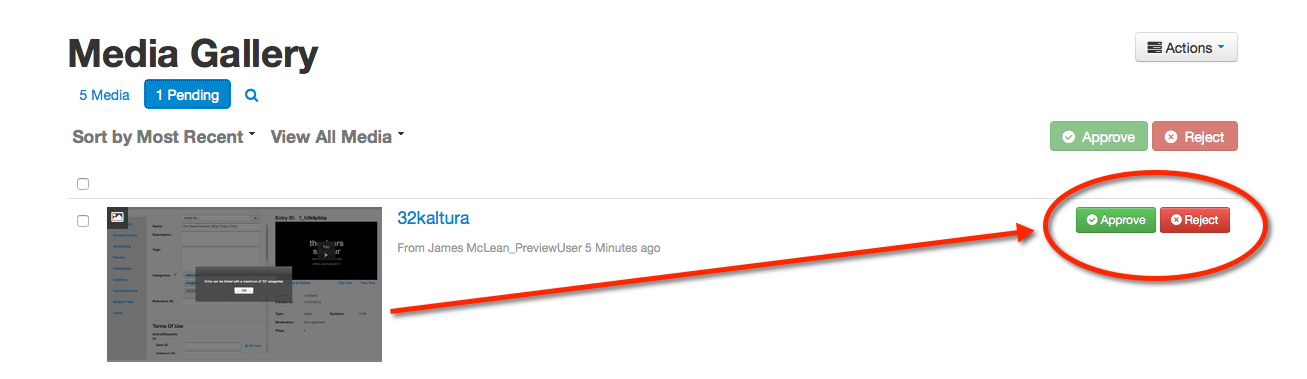
Select a pending media and choose Approve or Reject.
REMEMBER: Videos you remove from a course remain in the users’ My Media library.
Go to the course Media Gallery.
Click the link Browse Pending.
Select a pending media and choose Approve or Reject.
REMEMBER: Videos you remove from a course remain in the users’ My Media library.