
Information Technology Services

Patches Available for Critical Windows Vulnerabilities

The US-Cert has issued a notice about critical Windows vulnerabilities that need to be patched immediately.

Microsoft released a patch Tuesday, January 14, to be installed on all Windows 10, Windows Server 2016, and 2019 operating systems. The patch fixes a CryptoAPI spoofing vulnerability.

Additionally, there are Windows Remote Desktop vulnerabilities that must be patched. The first vulnerability affects Windows Servers 2012 and newer, while the second affects Windows 7 and newer. The patches remediate issues in the Windows RDP client and RDP Gateway Server.

For more information, see AA20-014A: Critical Vulnerabilities in Microsoft Windows Operating Systems.
Security Alert: Fake Payroll Email Circulating Attempting to Steal Mason Login Credentials

A phishing email that appears to come from George Mason University’s Payroll Office is being sent to Mason employees.

The message is personalized using the recipient’s NetID. The phishing email is an attempt to steal your Mason login information and password in an effort to compromise your account.

A copy of this phishing email circulating the George Mason University community is available on the Phishing Alerts page: https://its.gmu.edu/phishing-alerts/payroll-messages/

If you received this email and responded, contact the ITS Support Center at 703-993-8870 or [email protected]

If you received the message and did not click on the link, you should delete it.

Office 365 Web Login Page Changing January 12

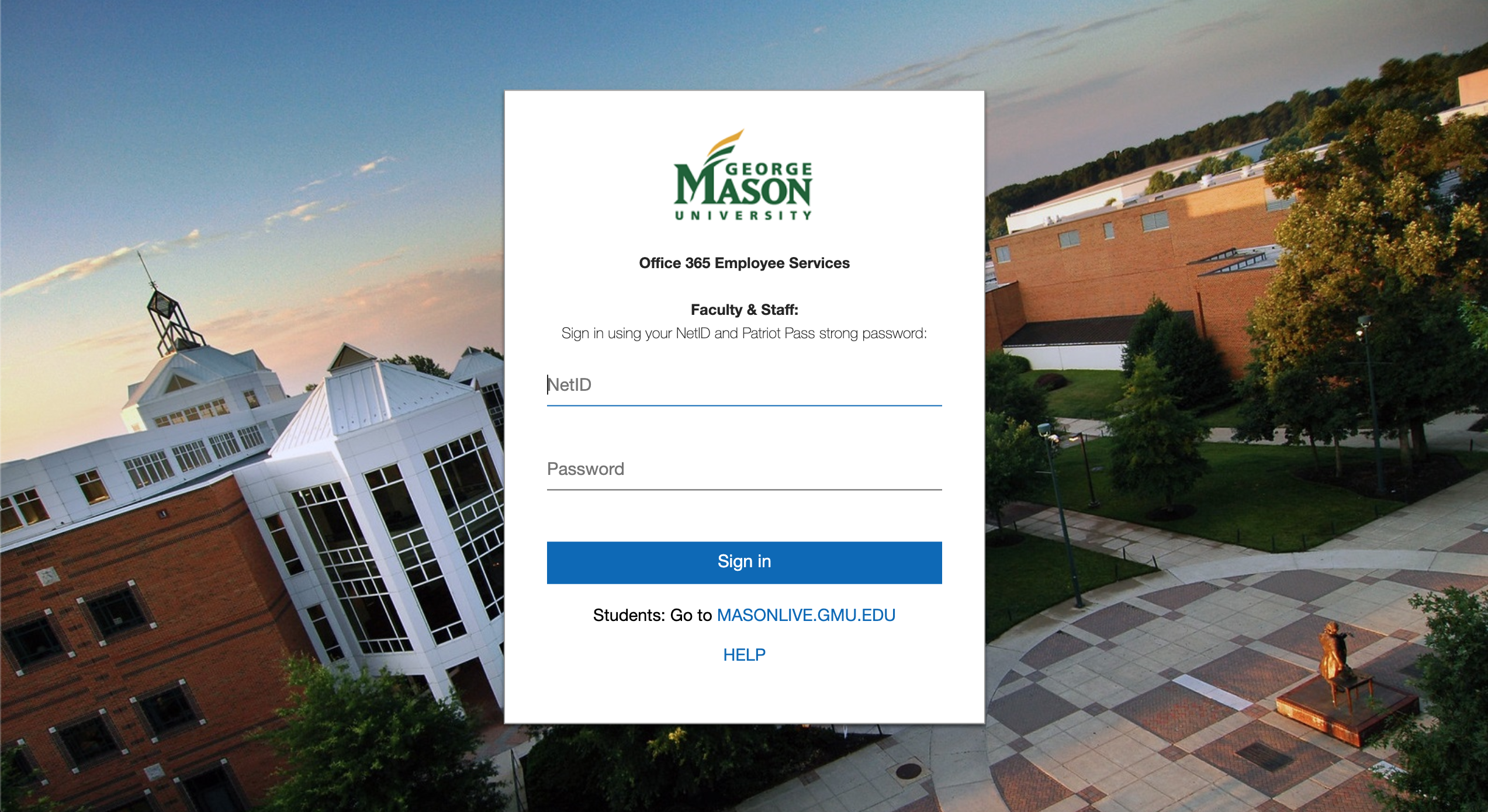
On Sunday, January 12, 2020, Information Technology Services (ITS) will release an updated login page for the employee Office 365 system for an improved user experience.

What is Impacted
The Office 365 web login page—when you log into your Office 365 account (email, calendar, OneDrive, ProPlus) via a web browser, you will notice a new graphic.

What is NOT Impacted
This update will NOT impact your Outlook Client access, and it does not impact your access via mobile apps on your smartphone or tablets unless you are logging in via a web browser on those devices.

Will it change HOW I log in?
No. When accessing Office 365 via the web from the mail.gmu.edu or mso365.gmu.edu websites, you will still log in using your Patriot Pass Credentials (NetID and Patriot Pass Password).

What will the new page look like?
Here is a screen capture of the new login page:

Effective November 19: Two-Factor Authentication Verification Changes

Effective Tuesday, November 19, 2019, users of Mason’s Two-Factor Authentication (2FA) must use the Duo Mobile App (Duo Push or Passcodes), a Yubikey, or Bypass Codes as their second factor to verify their identities when prompted. Telephone calls and SMS text messages will no longer be available as they are no longer considered secure. Information about this change is available on the 2FA Roadmap page at https://its.gmu.edu/knowledge-base/2faroadmap/. Information about authentication options is available athttps://its.gmu.edu/knowledge-base/list-of-2fa-authentication-options/.

Microsoft Support Ending for Windows 7- Required Upgrade for Mason-owned Computers

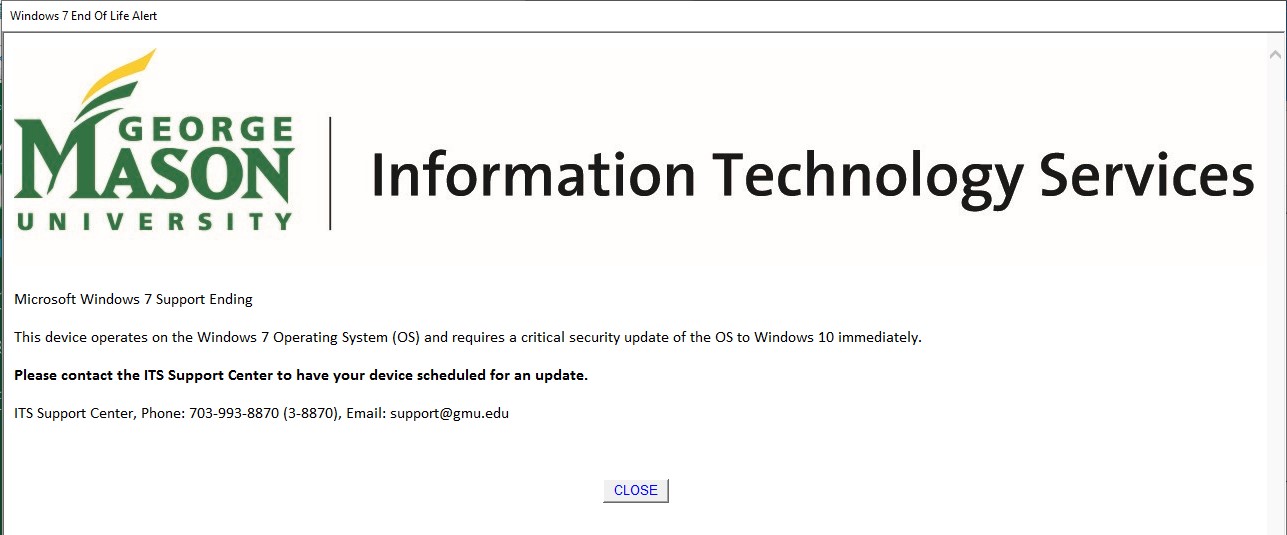
If you are using a Mason-owned and managed computer running Windows 7, you will periodically receive a pop-up message on your computer reminding you to update your computer. The pop-up will look like the below image.

After January 14, 2020, Microsoft will no longer support the Windows 7 operating system. All faculty and staff with a Mason-owned device running Windows 7 must have their operating systems upgraded to Windows 10 prior to the winter break to ensure completion before the Microsoft end of life (EOL) date. There is no charge for this upgrade. Mason-owned devices that are not upgraded by the January deadline will be unable to connect to the Mason network. Unsupported systems pose a significant security threat to users and the university. Detailed information on the EOL support for Windows 7, can be found at https://www.microsoft.com/en-us/microsoft-365/windows/end-of-windows-7-support. If you have a device that needs to be upgraded, please contact the ITS Support Center at 703-993-8870 or [email protected].