
Step 1
Plug your Yubikey into a USB slot on your computer (if it is not already).
Step 2
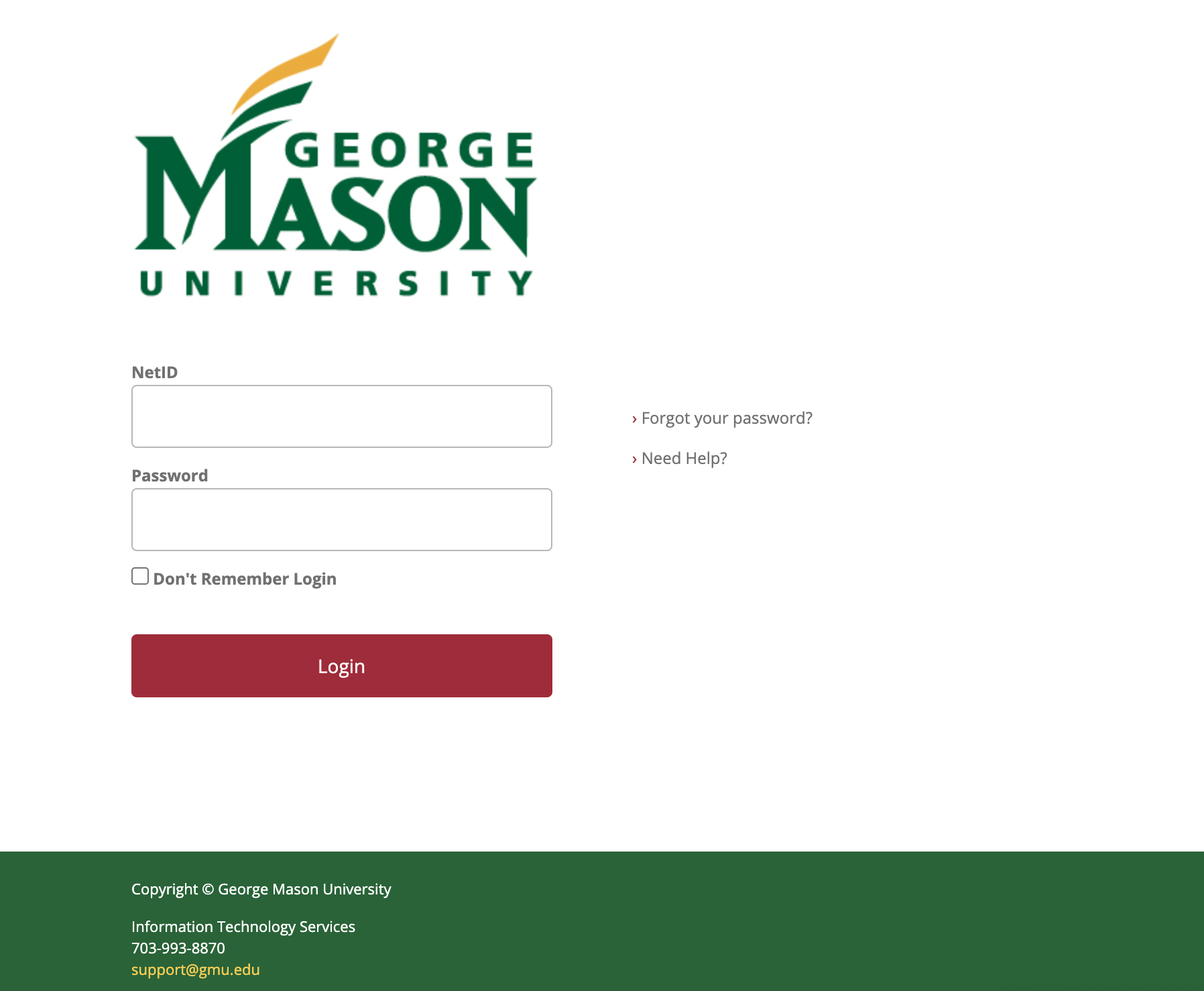
In the login window, enter your NetID and Patriot Pass Password.
Step 3
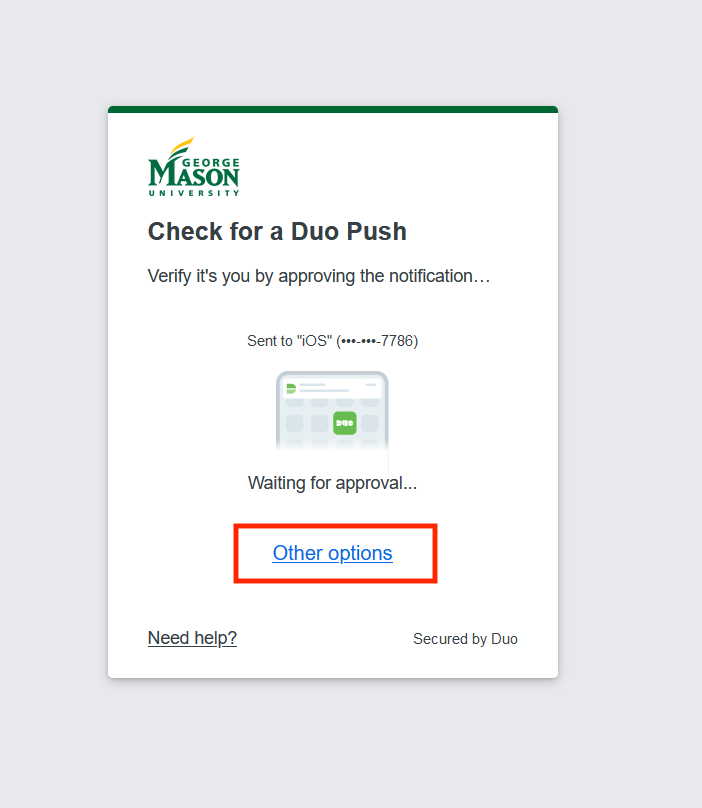
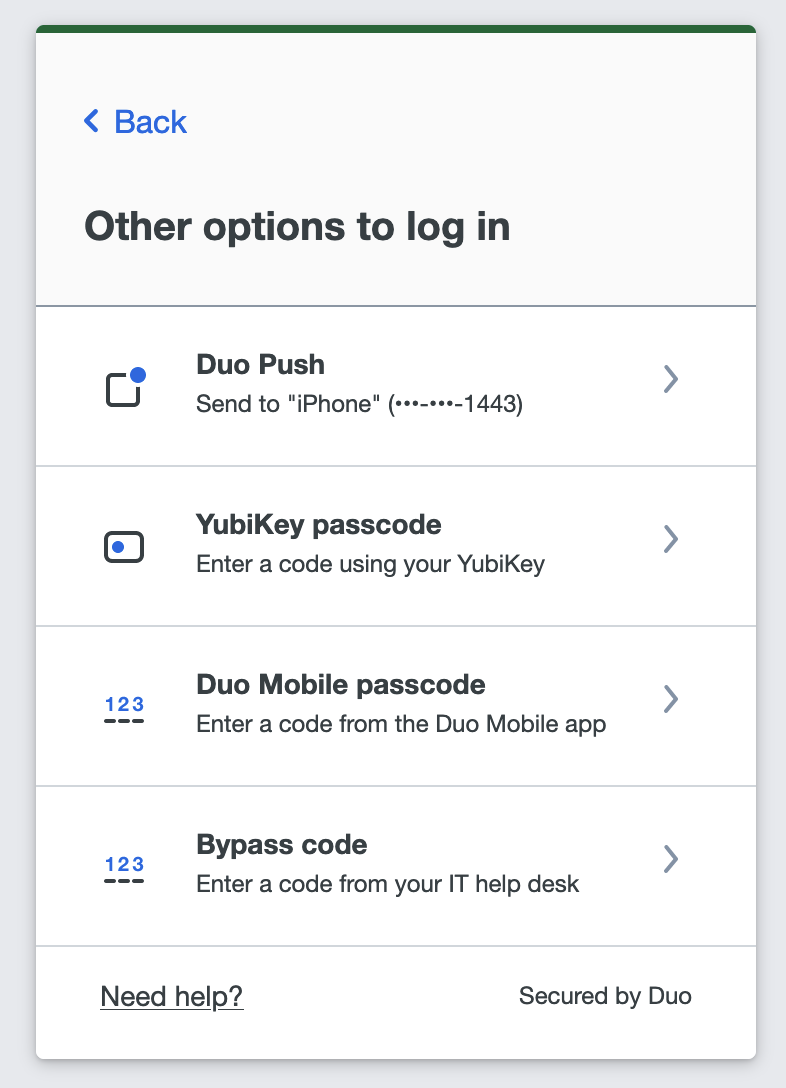
In the 2FA login window, if you aren’t automatically prompted for a YubiKey passcode, select Other options then select YubiKey passcode.
Step 4
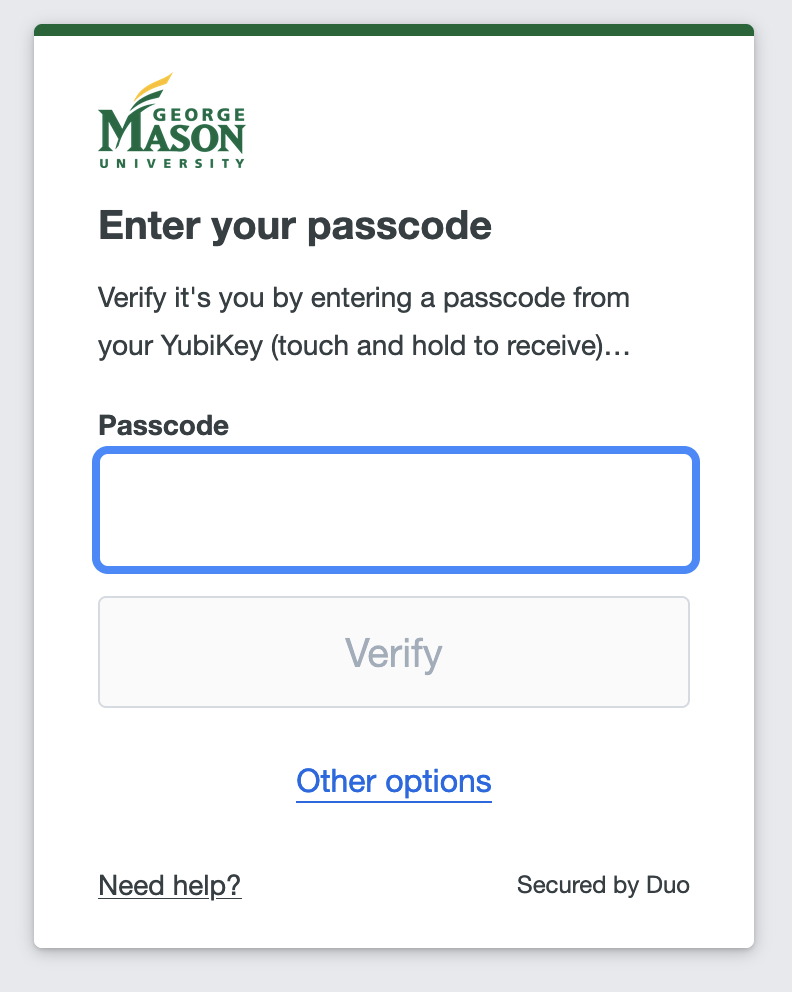
Press the button on your Yubikey and a passcode will automatically be populated.
Step 5
Click Verify.