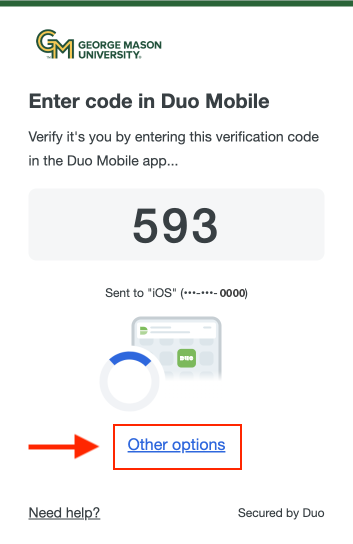
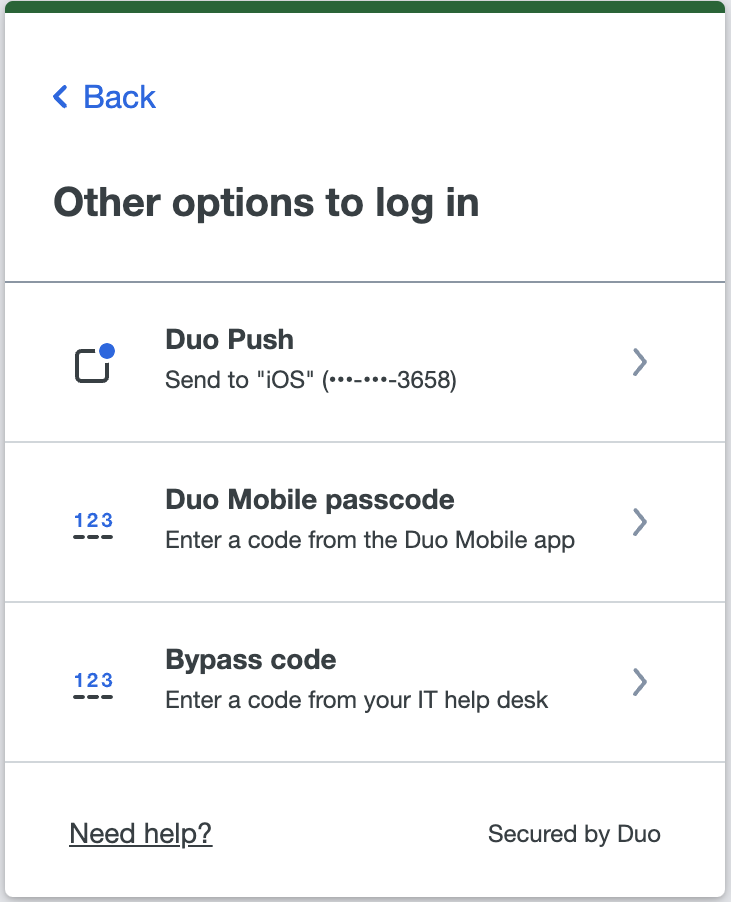
Be sure to have the 6-digit passcode you generated from the Duo Mobile app before moving ahead:
Step 1
In the login window, enter your NetID and Patriot Pass Password.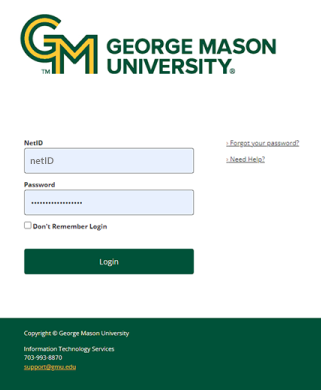
Step 2
In the 2FA login window, enter the six-digit passcode generated from the Duo Mobile app then click Verify.
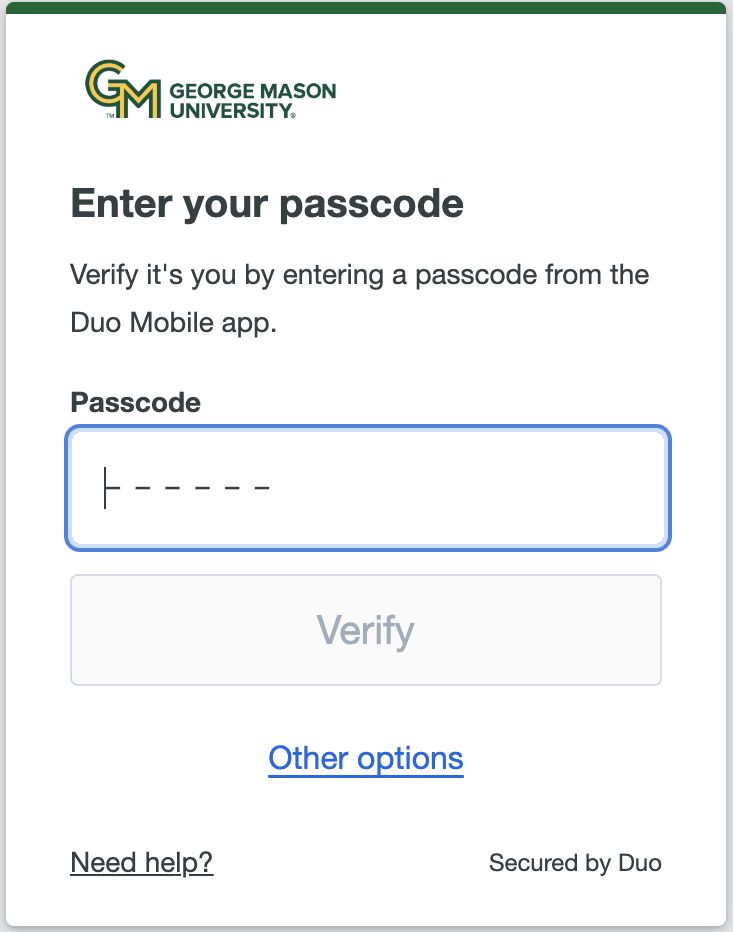
Note: Duo defaults to the last used method. If you are not prompted for a passcode, select Other Options and then choose Duo Mobile Passcode.