Step 1
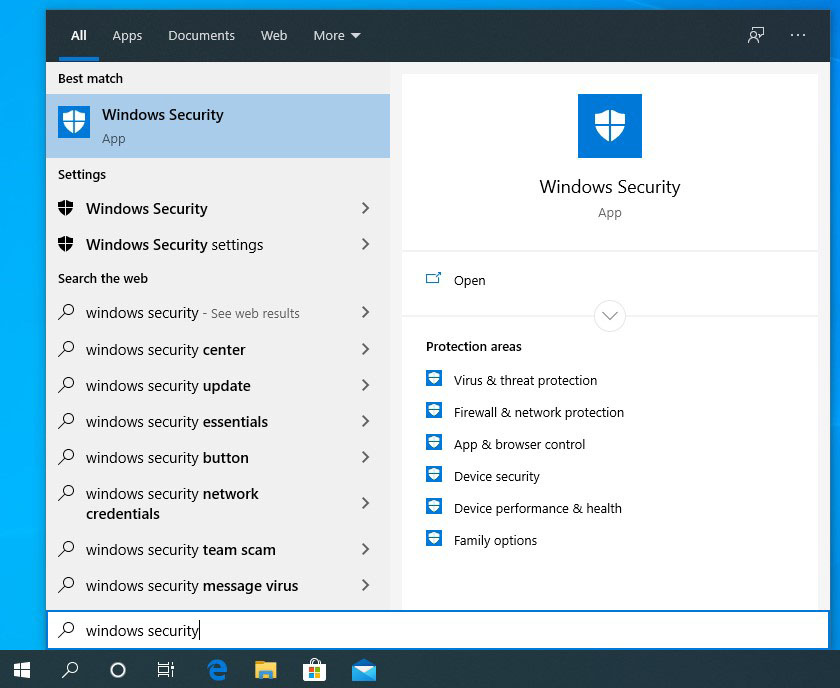
Click the search icon on the bottom left and search for Windows Security.
Step 2
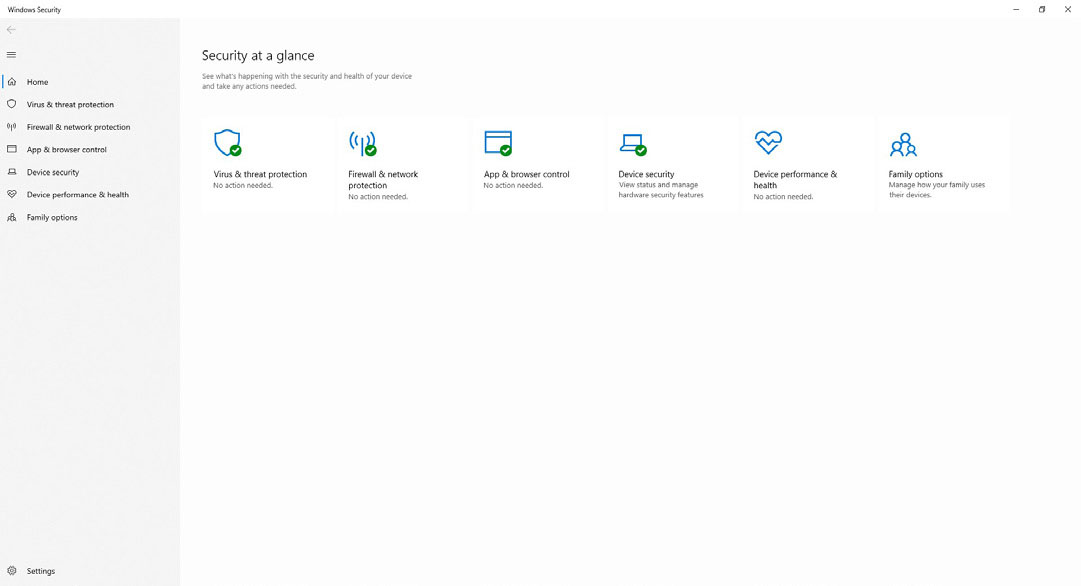
Click Open to open the Windows Security (Defender ATP) application.
Step 3
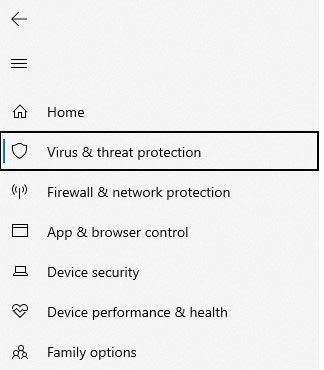
Click Virus & Threat Protection from the left-side menu.
Step 4
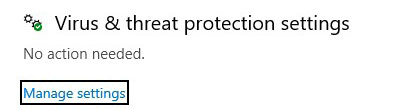
Click Manage settings under Virus & threat protection settings.
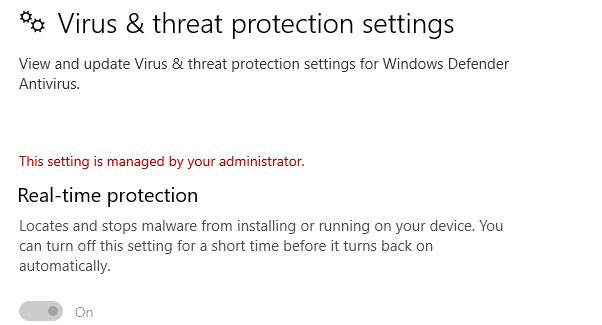
Step 5
If the text says “This setting is managed by your administrator,” Windows Defender ATP is operating on your system.