Welcome to Canvas, the learning management system at George Mason University.
Learn Canvas
 Canvas Resources for Students: Training course to learn everything or just the topic you need.
- Getting Started – Students: For more options and other resources.
Help in Canvas
- Contact ITS 24/7: View contact options.
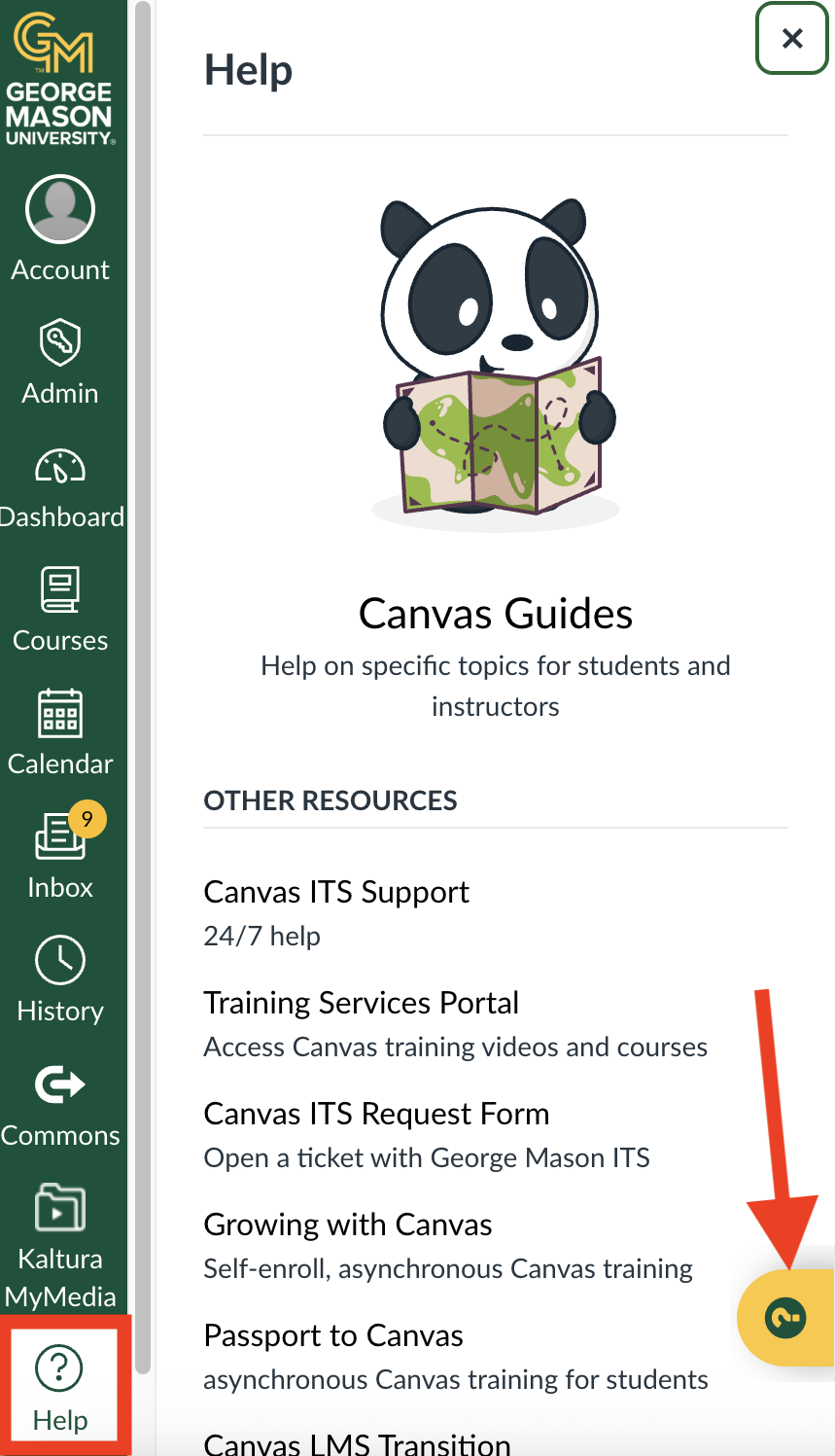
- Suggested Help: In Canvas, click the ? for context sensitive help. A collection of help articles and videos from Canvas and George Mason. The suggestions are based on where you are at the moment. For example, when viewing the Calendar, it will suggest Calendar help.
- View a list of Canvas student FAQs from GMU
Frequently Asked Questions
Why don’t I see my course on Canvas Dashboard page?
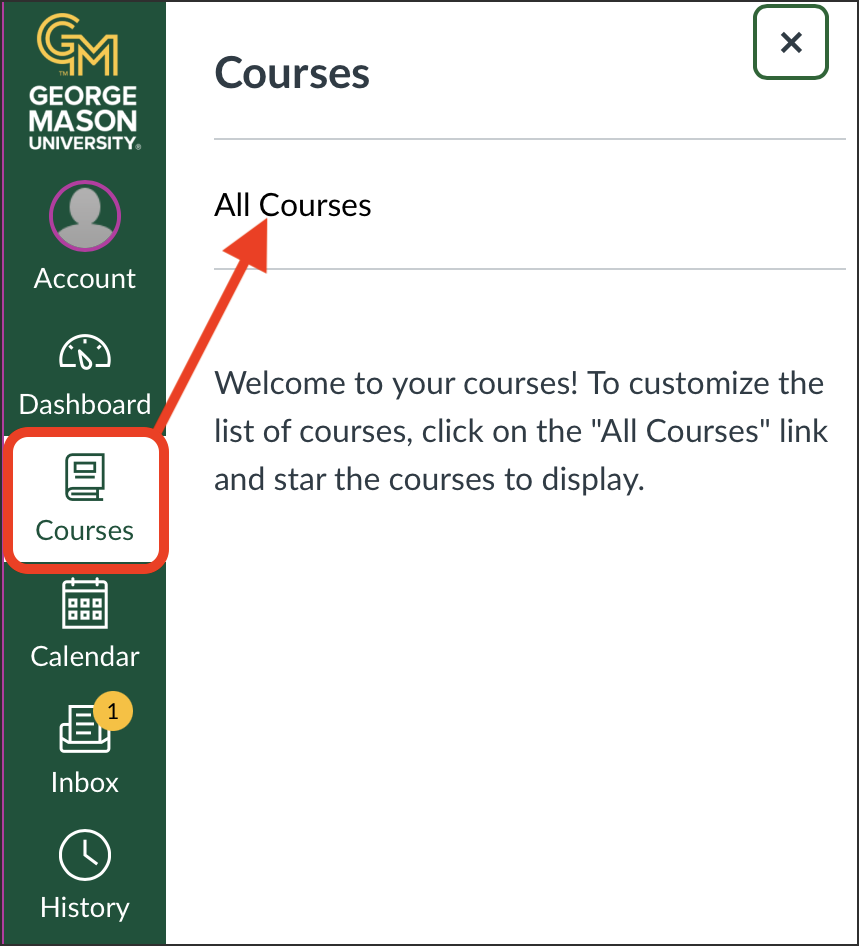
The Dashboard is your Canvas homepage where you access CURRENT courses or favorited courses. Courses which have not yet started and previous courses only appear on the Courses – All Courses page. In the Canvas app, only Current and Past courses how on the All Courses. You can only view upcoming courses in a web browser (not in the Canvas app).