
Latest News
-
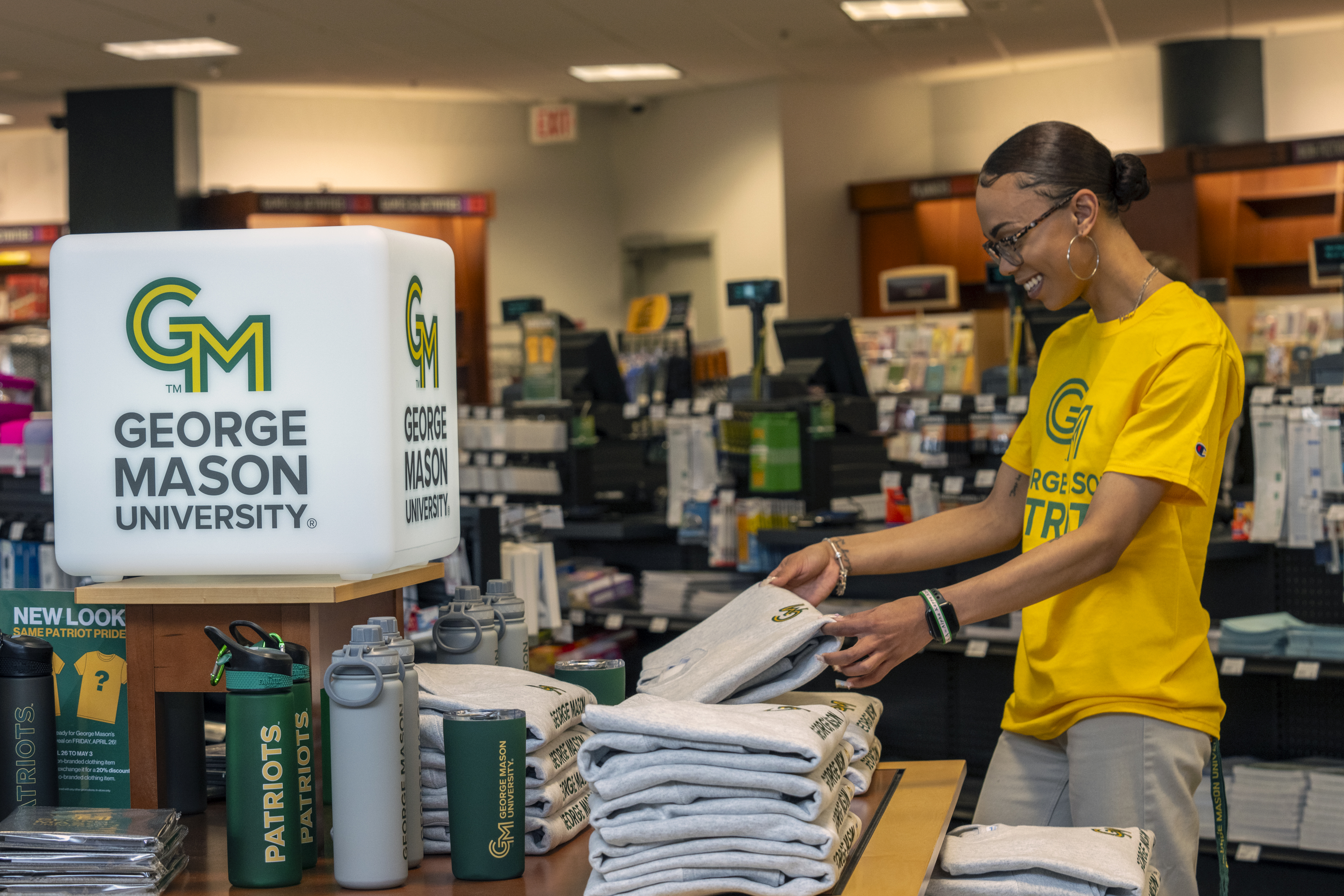
Powering the Shift: Inside ITS’ Role with eCampus
As George Mason University transitions its course materials operation to eCampus, much of the work is happening behind the scenes in Information Technology Services (ITS). Conversations with project leaders show that what may appear to be a bookstore transition is also a larger technology effort to… Continue reading
Operational Updates
- October 2026
- October is the annual observance of Cybersecurity Awareness Month (CAM), sponsored by the National Cybersecurity Alliance. In observance of CAM 2026, ITS will have several events for the George Mason University community: Cybersecurity Awareness Month 2026.
- George Mason University has completed the Enterprise Resource Planning (ERP) Modernization Assessment, a major milestone in planning the future of the university’s student, financial, and human capital management systems. Completed after months of stakeholder engagement, business process analysis, and future-state planning, the assessment gives university leadership a strong foundation for making informed decisions about modernizing core administrative functions and the technology that supports them. Learn more ERP Modernization Assessment Positions George Mason for the Future.
- Software Procurement Reminder
The Architectural Standards Review Board (ASRB) is responsible for reviewing, verifying compliance, and providing recommendations with regards to software procurement requests, University Policy 1307: Procurement and/or Development of Administrative Systems/Applications. The ASRB works with requesters to evaluate risk and determine mitigation strategies when necessary. Before using any software, please ensure that it is approved by ASRB or begin the procurement process for it to be supported. Learn More about ASRB. - (New!) Adobe Products
Over the summer, George Mason entered into a new enterprise agreement with Adobe that brought new products for employees and students. For more information on these tools and their eligibility requirements, see the Adobe Service Page.- Employees: Acrobat Studio is the new standard Adobe product for employees and includes Acrobat Pro for all your PDF editing needs, AI Assistant to garner insights and summaries from PDFs, PDF Spaces to enhance collaboration, and the Adobe Express Premium and Firefly platforms for accelerated content creation. In addition, All Apps Pro is available by request to creative professionals who require Adobe’s professional grade tools such as Photoshop, InDesign, Illustrator, and Premiere to perform their work duties.
- Students: Acrobat Express for Students includes access to the Adobe Express Premium and Firefly content creation platforms, AI Assistant for PDF summaries, and PDF Spaces for simplified collaboration. Students can also access professional Adobe tools, including Photoshop, InDesign, Illustrator, and Premiere, in campus computer labs via Shared Device Access to All Apps.
- Enterprise Integration Services Relaunched
ITS has relaunched enterprise integration services through a new service model effective Monday, October 5. This updated model provides a more scalable, sustainable, and transparent approach to supporting the university’s growing demand for data integration work. Under this model, approved vendor partners will perform integration design, development, and testing work. ITS will continue to provide enterprise architecture oversight, governance, quality assurance, validation, and stakeholder coordination. This approach gives the university access to specialized integration expertise while maintaining alignment with university standards, security requirements, data governance policies, strategic priorities, and project objectives. Requesting departments, projects, or sponsoring organizations will be responsible for funding integration work. Stakeholders with current or future integration needs are encouraged to review the Enterprise Integration Services request page before submitting a request or planning related project work: Enterprise Integration Services. - Alumni Email is Changing
Email service for George Mason alumni is transitioning to an email forwarding service. After multiple email solutions were offered over the years, a forwarding service was chosen to provide a sustainable and affordable solution for alumni to stay connected to the university. The new forwarding service offers an @gmualumni.org email address that forwards messages to a non-George Mason email address. This change does not affect current students or employees. Learn more about the alumni email changes. - Upcoming Microsoft 365 Changes for October 2026
See the ITS website for details about upcoming changes Microsoft will be making this October, including:- SharePoint OTP Retirement: Changes to Guest Access
To create a more secure file sharing process, Microsoft is changing SharePoint sharing permissions and deprecating legacy one-time passcodes. As a result, MS Teams owners, SharePoint site owners, or OneDrive account holders may receive reports of external members having lost access to their shared data. To resolve this, the owner should re-share any file, folder, or site with the affected guest, after which guests should regain access to existing shared resources as well. - Legacy Outlook for Mac Retirement
Starting October 2026, the legacy Outlook for Mac desktop client will cease working with Exchange Online. Users will need to switch to the New Outlook for Mac desktop client or Outlook on the Web (OWA) to check their email with the Mac OS. - Exchange Web Services (EWS) Retirement
Microsoft will begin retiring Exchange Web Services (EWS) in October 2026, with full retirement completed by April 2027. Applications that rely on EWS to connect to Exchange Online may experience service disruptions through the final retirement in April 2027. Mac Mail (Apple Mail for Mac) is one of the most widely used applications that relies on EWS. Microsoft is working with Apple to support the transition; however, functionality remains dependent on Apple providing the necessary updates. If you are a Mac Mail user and experience issues using the application, it is recommended to switch to the Outlook for Mac desktop client or Outlook on the Web (OWA).
- SharePoint OTP Retirement: Changes to Guest Access
ITS Newsletter
Sign up to receive Bits & Bytes, our quarterly newsletter.
Is there something you’d like to feature in our newsletter? Send it to us!
ITS Spotlights
Follow Us


ITS IN ACTION ⚠️🌟
Our very own Brian Gantt recently attended the EDUCAUSE 2026 Annual Conference in Denver, Colorado, joining higher ed technology leaders from around the world to share ideas and explore solutions to today's challenges. Swipe to take a look at Brian's experience!
#MasonNation #AllTogetherDifferent
6 days ago

If it seems too good to be true, it is! ⚠️
Be cautious of job offers that promise high pay for little work, especially if they ask you to deposit a check, send money, or act quickly.
#AllTogetherDifferent #georgemasonits
2 weeks ago


Yesterday, we celebrated Shane Hayes, Executive Technology Support Specialist, for being named George Mason University's Employee of the Month for October 2026! 🏆🌟
Congratulations, Shane, on this well-deserved recognition and thank you for your outstanding service to the George Mason community! #alltogetherdifferent #masonnation
2 weeks ago

Nearly half of students encountered a cybersecurity threat during the last academic year. Awareness is one of your best defenses.
#AllTogetherDifferent #georgemasonits
2 weeks ago

Phish happens. Reporting matters.
Help protect the George Mason community by reporting suspicious emails through Outlook or by emailing [email protected].
#AllTogetherAgainstPhishing #georgemasonits
3 weeks ago


Cybersecurity Awareness Month is finally here, Patriots! 🔐✨ This year's theme, "Don't Make It Easy for Them," highlights simple ways we can stay safe online and make life more difficult for cybercriminals.
Mark your calendars and follow along for fun and helpful events, resources, and tips all month long! 🗓️ #masonnation #CAM2026 #DontMakeItEasyforThem
3 weeks ago


Phishing happens fast, but a quick pause and the right next steps can help keep your account secure. 🛡️
#AllTogetherAgainstPhishing #georgemasonits
3 weeks ago

Without security training, one in three students fall for a phish. Staying alert online matters!
#AllTogetherAgainstPhishing #georgemasonits
3 weeks ago

Tell us about it. ✉️
If you receive a phishing email in your Outlook inbox, report it by right clicking on the message, selecting "Report" in the pop-up box, and then selecting "Report Phishing".
If something seems suspicious, don't respond, click links, or download attachments. You can also report phishing by emailing [email protected].
#AllTogetherAgainstPhishing #georgemasonits
4 weeks ago