
Step 1
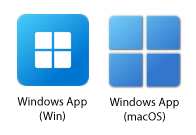
Open the the Windows App.
Step 2
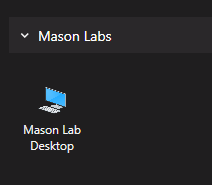
Double-click the desired desktop environment.
Step 3
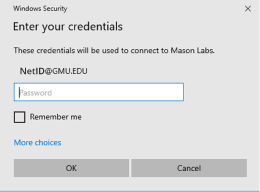
Log in with your George Mason username and password.
Open the the Windows App.
Double-click the desired desktop environment.
Log in with your George Mason username and password.